Scopique
 Scopique
I’m going to go ahead and blame Belghast for lighting the fire under me to start paying attention to what, when, and for how long I play my games. He seemed to be a prodigious screenshot-taker, for one, and I vowed to start following suit; then he talked about the spreadsheet he maintained with info on his gaming sessions and while I was also interested in that kind of data, I could never be that exacting, so sometime last year I installed ManicTracker in a bid to try and find out what I was doing with my time. While ManicTracker is powerful, it’s kind of a pain in the ass to extract information from even for non-gaming related tasks. So I ditched that a few months back and started using Kevin Brill’s Tempus Gameit.
The app is a small tray-based affair which can look at known game storefront locations, with Steam, GOG Galaxy, Epic, Battle.net and Heroic Launcher being represented. If you’re playing a game not acquired through one of those, you can add the path manually. Once you’ve got your paths set, the app can scan for any games you have installed.
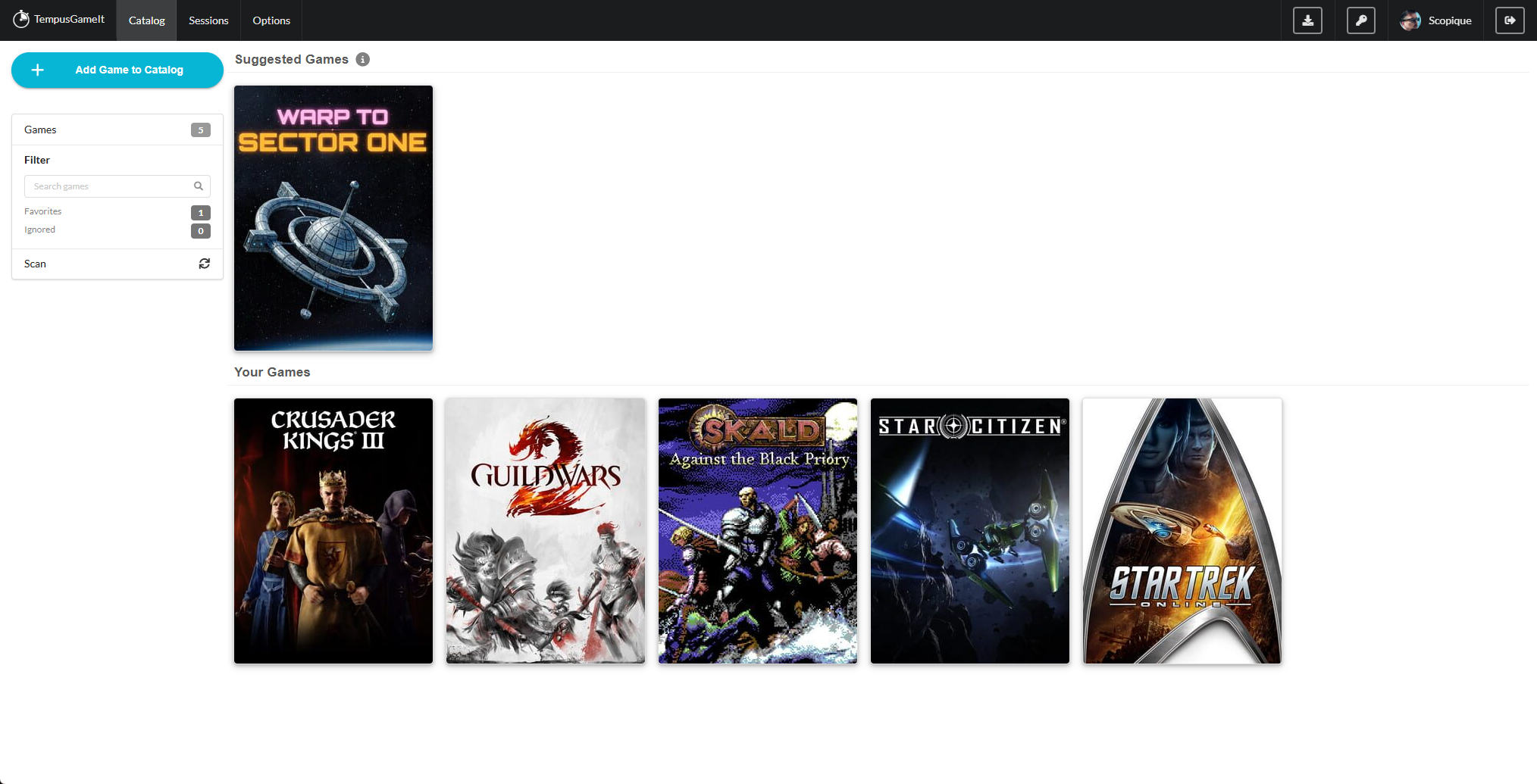
Game tracking is automatic. Whenever you fire up a title that the service knows about, the clock starts ticking and when you finish, you’ll get a small popup in the lower-right corner of your screen telling you how long you’ve been under. The data is sent to the Tempus Gameit servers automatically, though you can set it to manual submission if you only want to track time occasionally or under certain circumstances.
If you want a more comprehensive view of your time, there’s a list of all registered sessions.
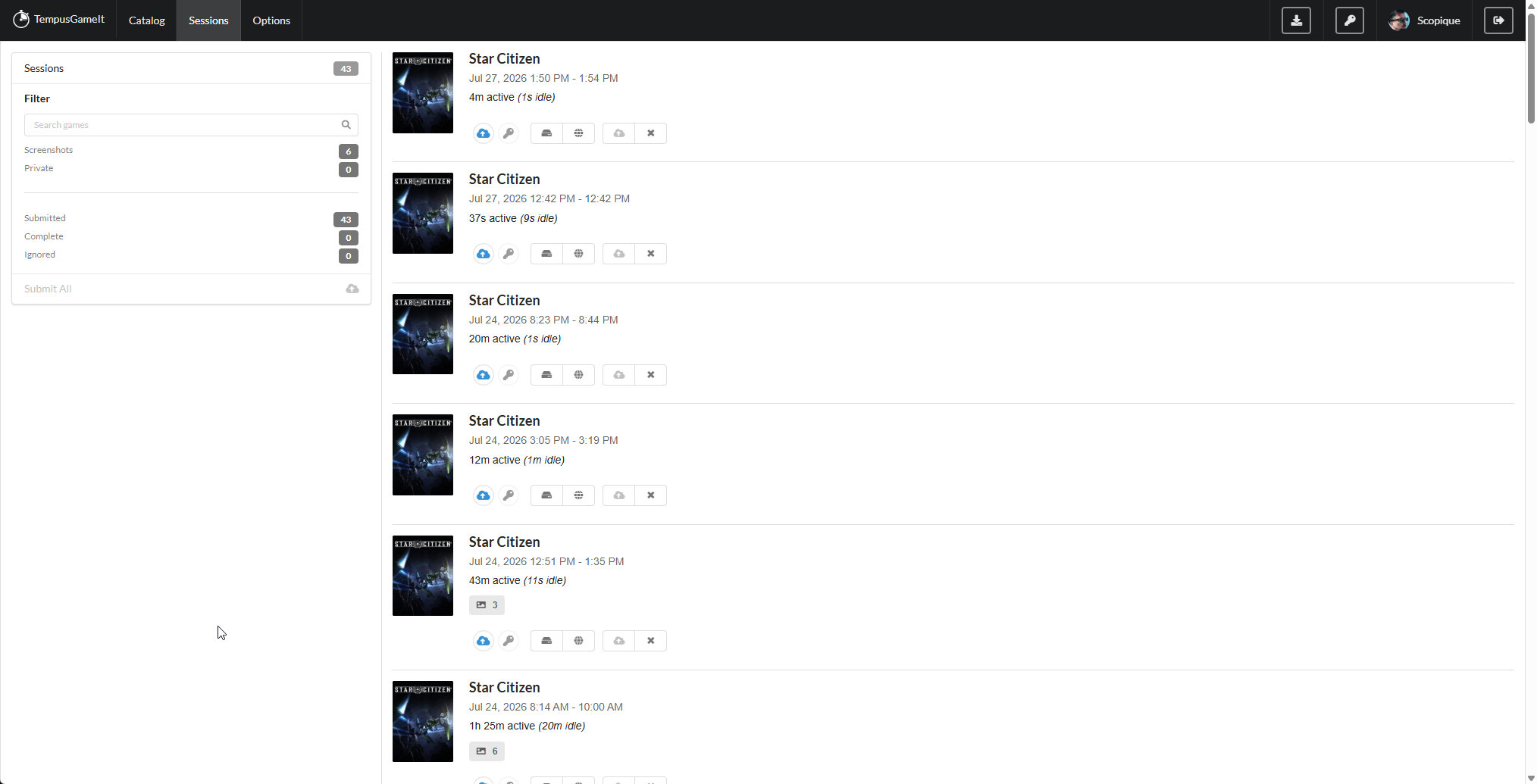
Each entry has a few bits of info, including the icons that tell you if the session was submitted to the server or, if not, allowing you to do so, and whether you can view the session as it’s stored locally or as it’s stored In The Cloud(tm).
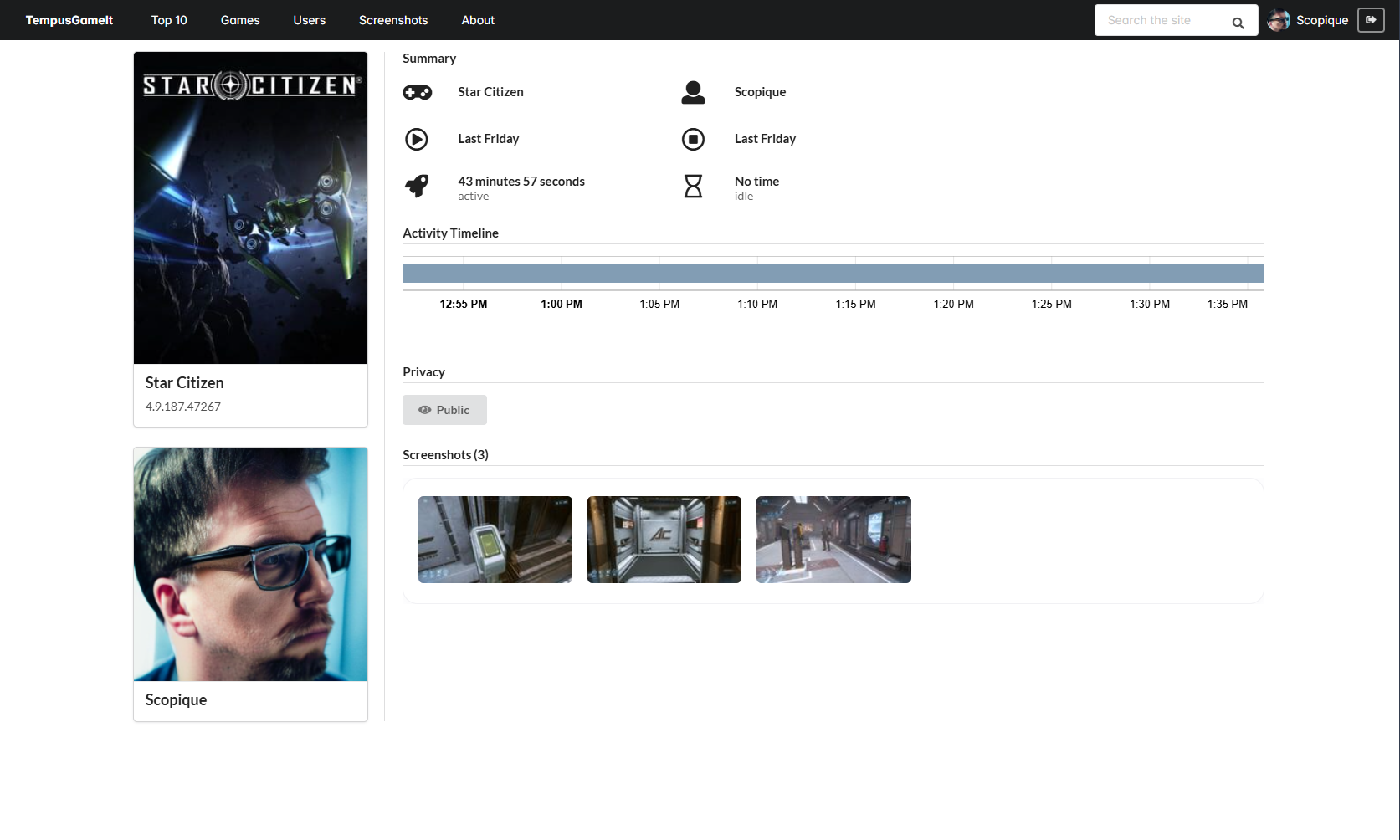
Viewing the session on the web shows the game, when it was played, how long it was played, and how long it sat active but idle.
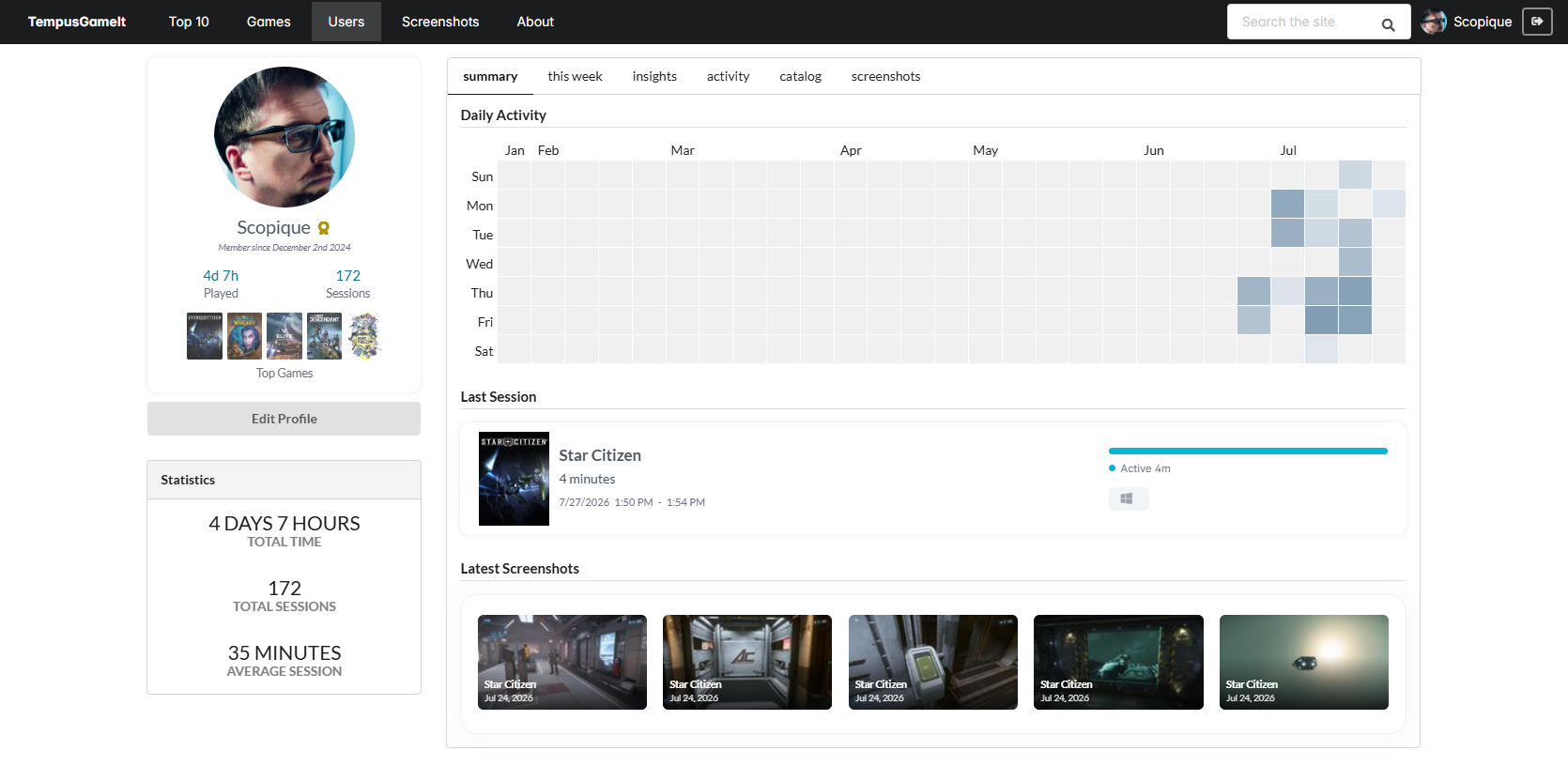
If you really want stats, you can enter your account page and see all kinds of wonderful graphs and numbers.
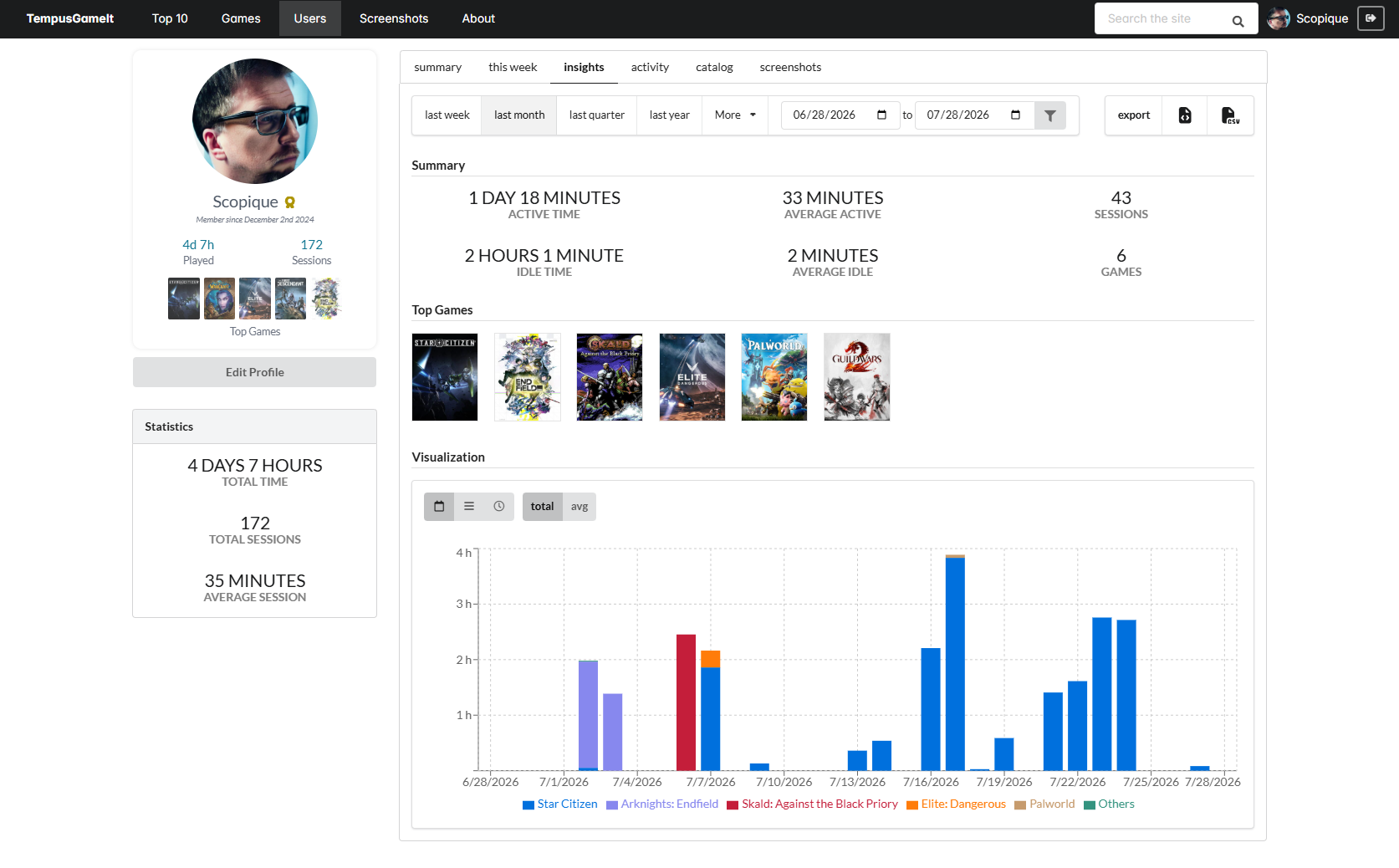
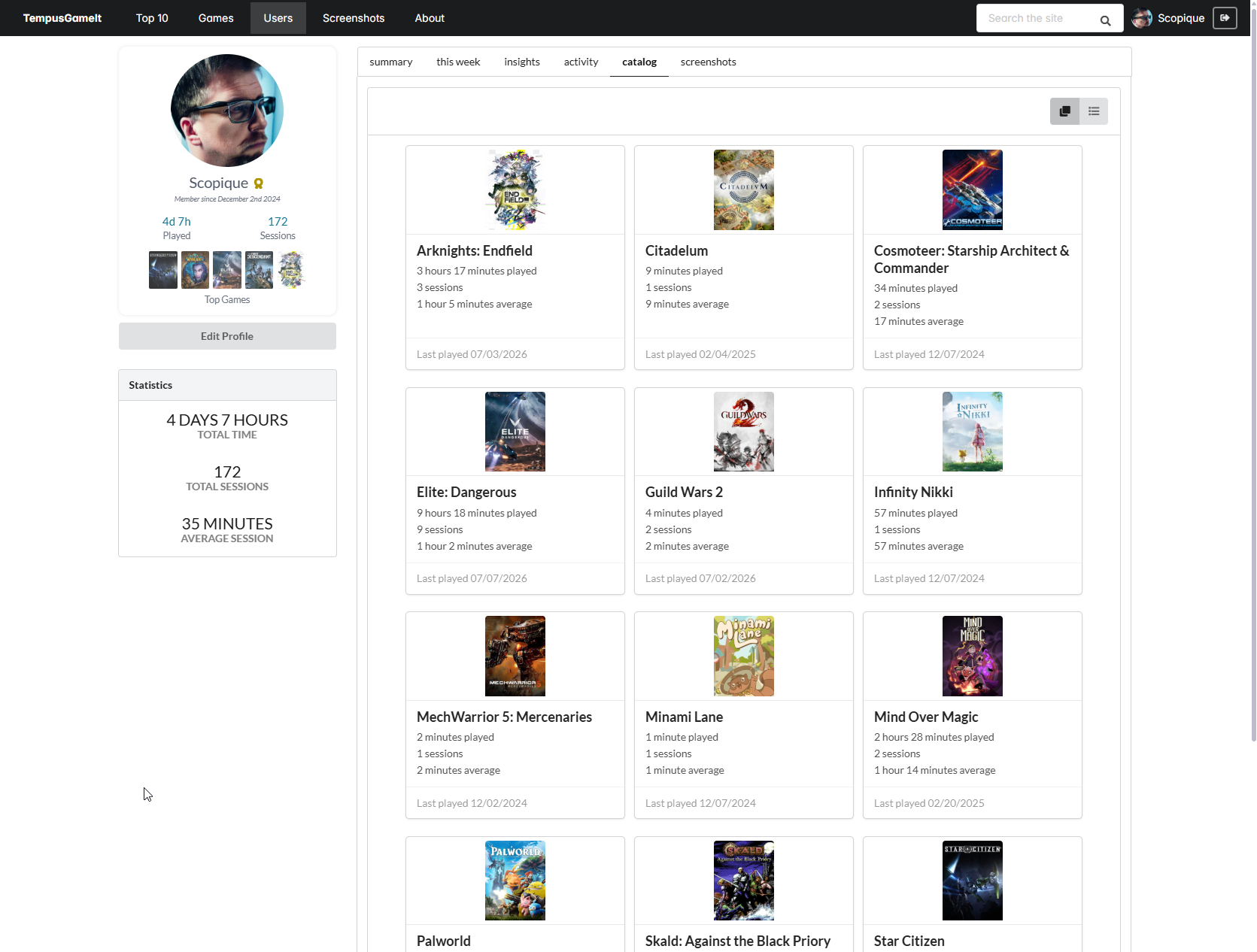
The account information includes aggregate values over several different time periods, and can show all of the games that it can track for you, displaying info gleaned from the various platform libraries which expose that kind of information.
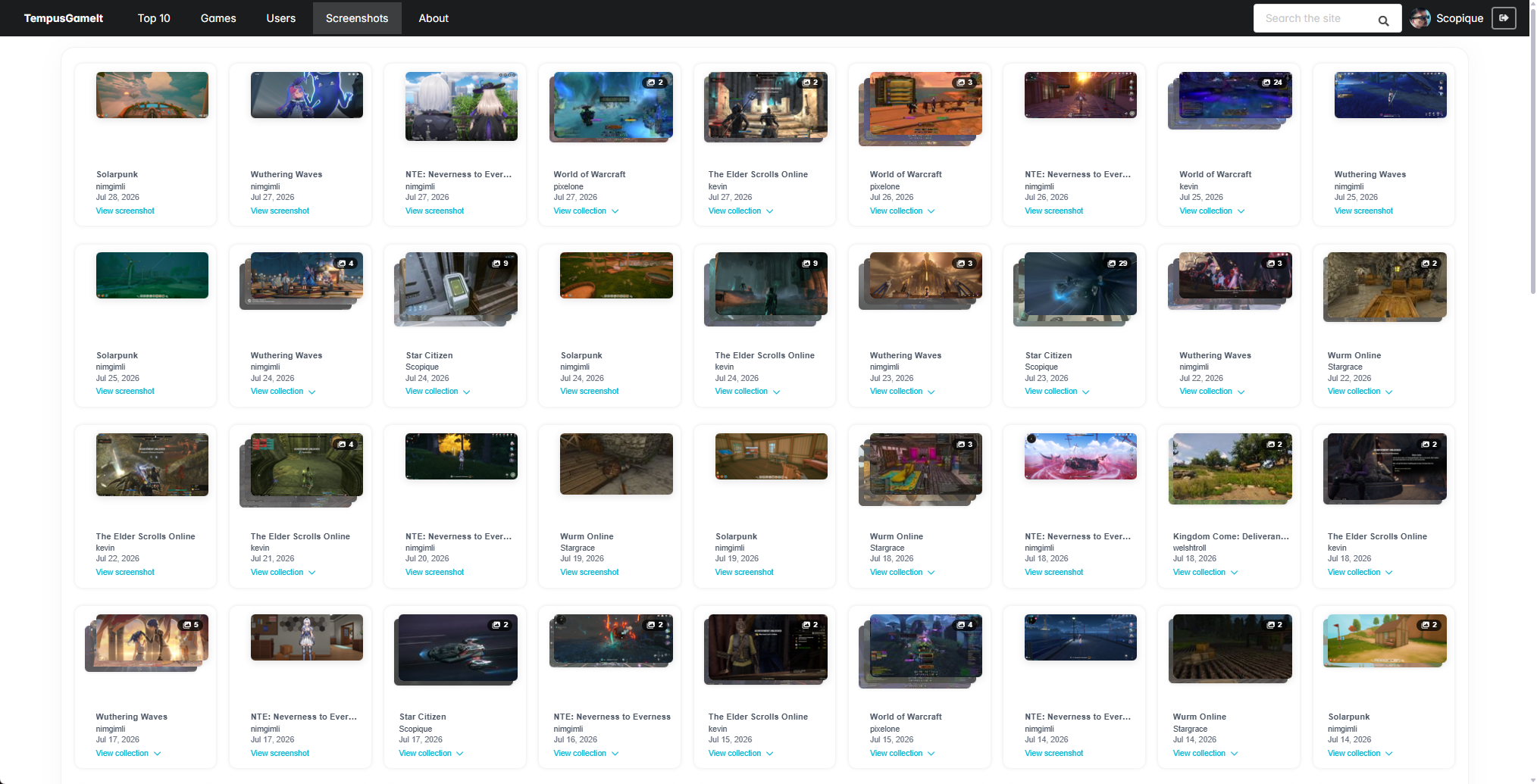
There’s a setting in the registered games list which allows for the location of stored screenshots, which are uploaded To The Cloud(tm) when the session is submitted. These are displayed with the session as well as in a public gallery organized by game and date. This view shows you and other users all of the screenshots being taken from various sessions. Neat!
Speaking of community features, there’s a user list which displays the player’s icon and their top five games…
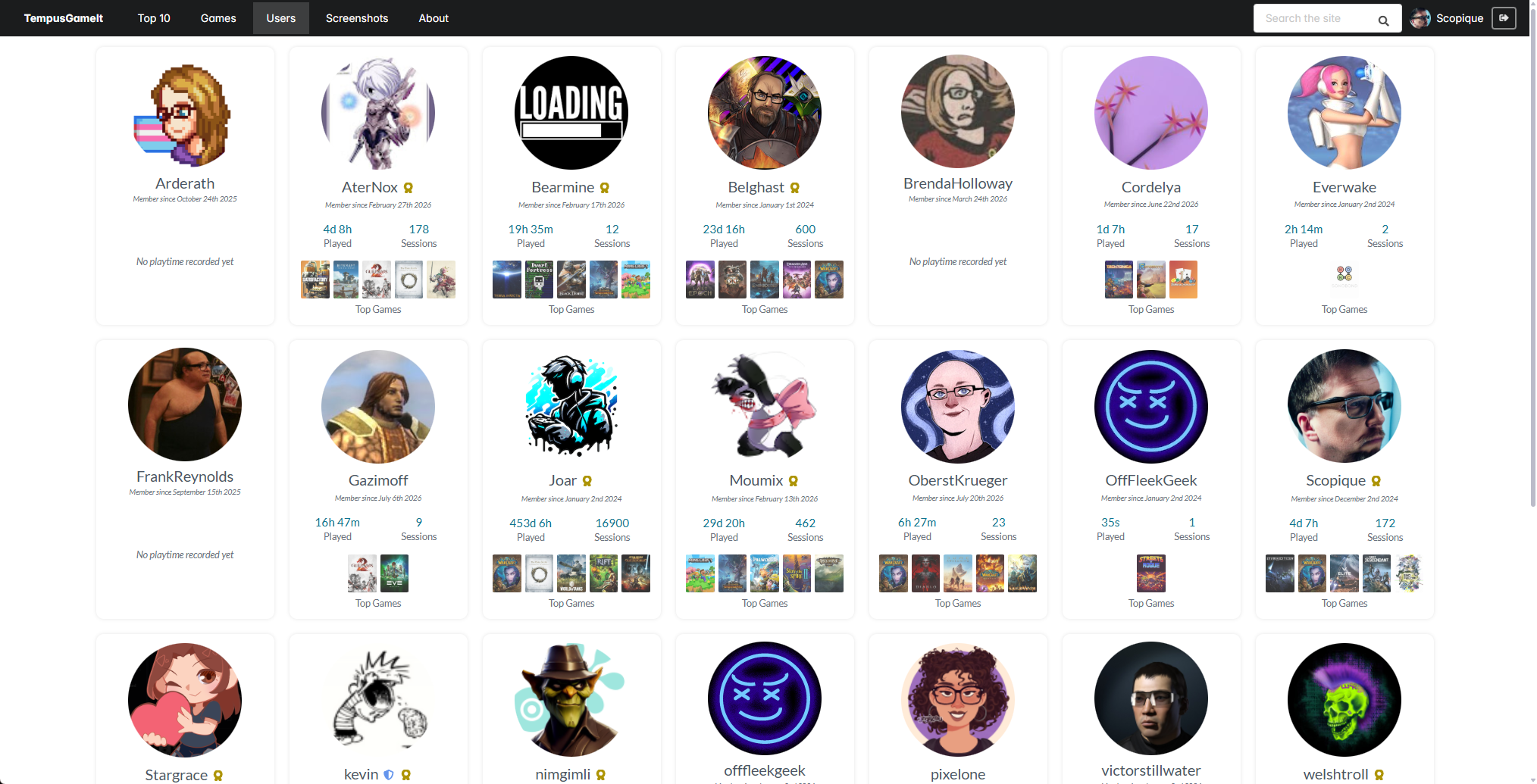
…and clicking on a user’s profile shows some stats generated for that user.
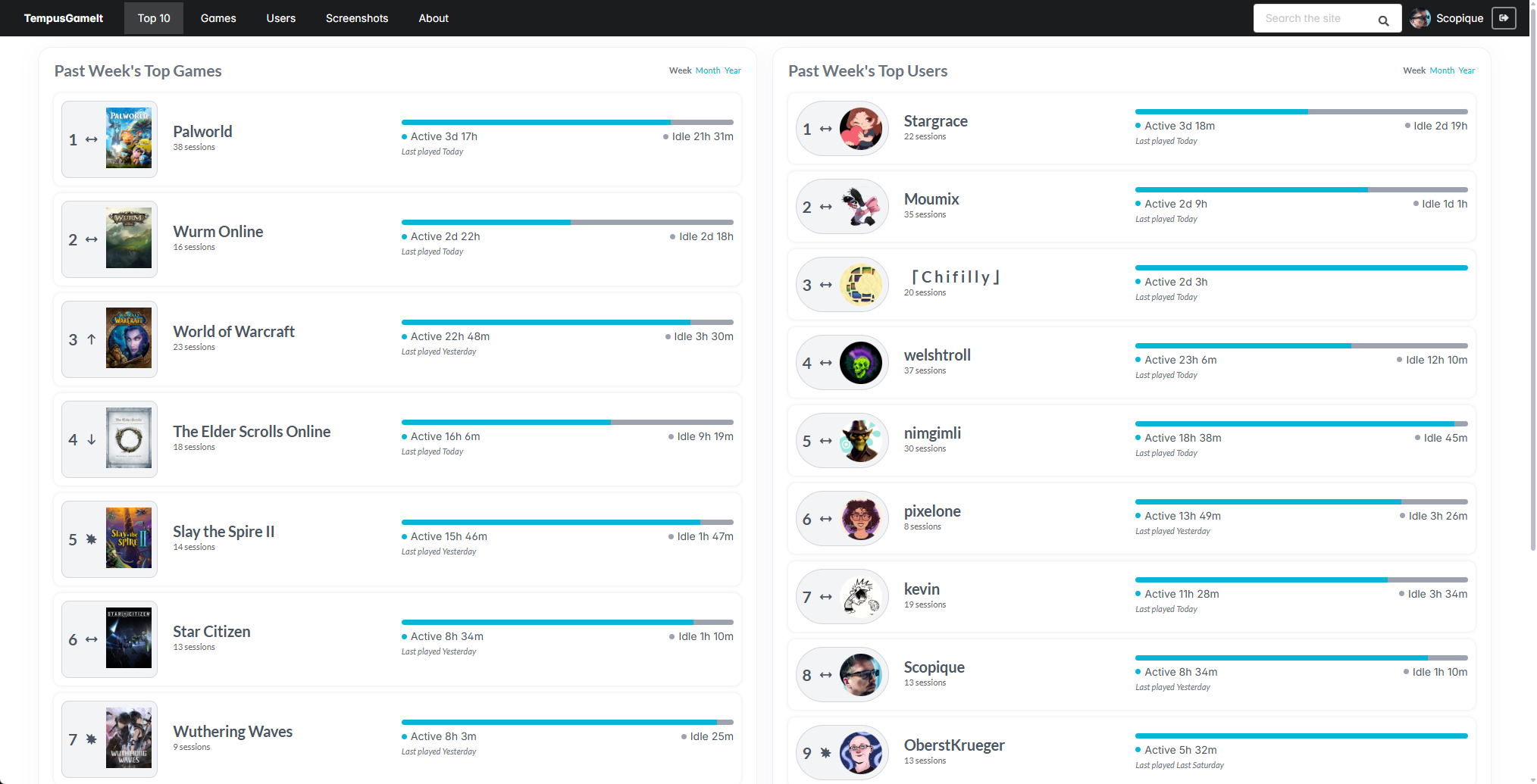
If you’re the kind of person who likes to know where you stand with your community, fear not! There’s a top 10 page which shows the top 10 most played games by hours played, organized by week, month, or year, as well as their general trending direction. There’s also a top 10 users by hour for the week, month, or year.
I’m not really the obsessive type who needs to know where all of my time was spent, and while many platform launchers will track gameplay time for me, there are times when I might play something downloaded through a developer’s website or outside of a launcher that I want to add to my tracked collection, so Tempus Gameit is really good for that. I do keep and organize my screenshots locally, but it’s also nice to have the service suck up images and associate them with the gameplay session, as the names of the screenshots I take don’t really link themselves well to the actual sessions in which they were taken when I’m looking at them locally.
The best news is that the service is always evolving. It’s still a work in progress although it feels very mature from a feature standpoint, and Kevin is incredibly receptive to constructive feedback.