Scopique
 Scopique
I’m a member of the Mithos Discord and occasionally stop in to check out major update announcements. Right now I don’t have a use for Mithos because it’s really designed as an in-person TTRPG helper for GM’s to get their business together, and I am neither playing nor running a TTRPG.
Since I am kind of slowly working on this campaign on occasion, I thought I’d reinstall Mithos and see if it’s something I could use during the conceptualization phase. I don’t fully remember how it worked the first time I tried it, but this time I noticed that there are some pre-made character sheets for Savage Worlds Adventure Edition (SWADE) which is my preferred platform for planning my TSW campaign. The TSW sheet is a wee bit different from the standard SWADE sheet, so I had to start by constructing a TSW variant using Mithos’ sheet creation tools.
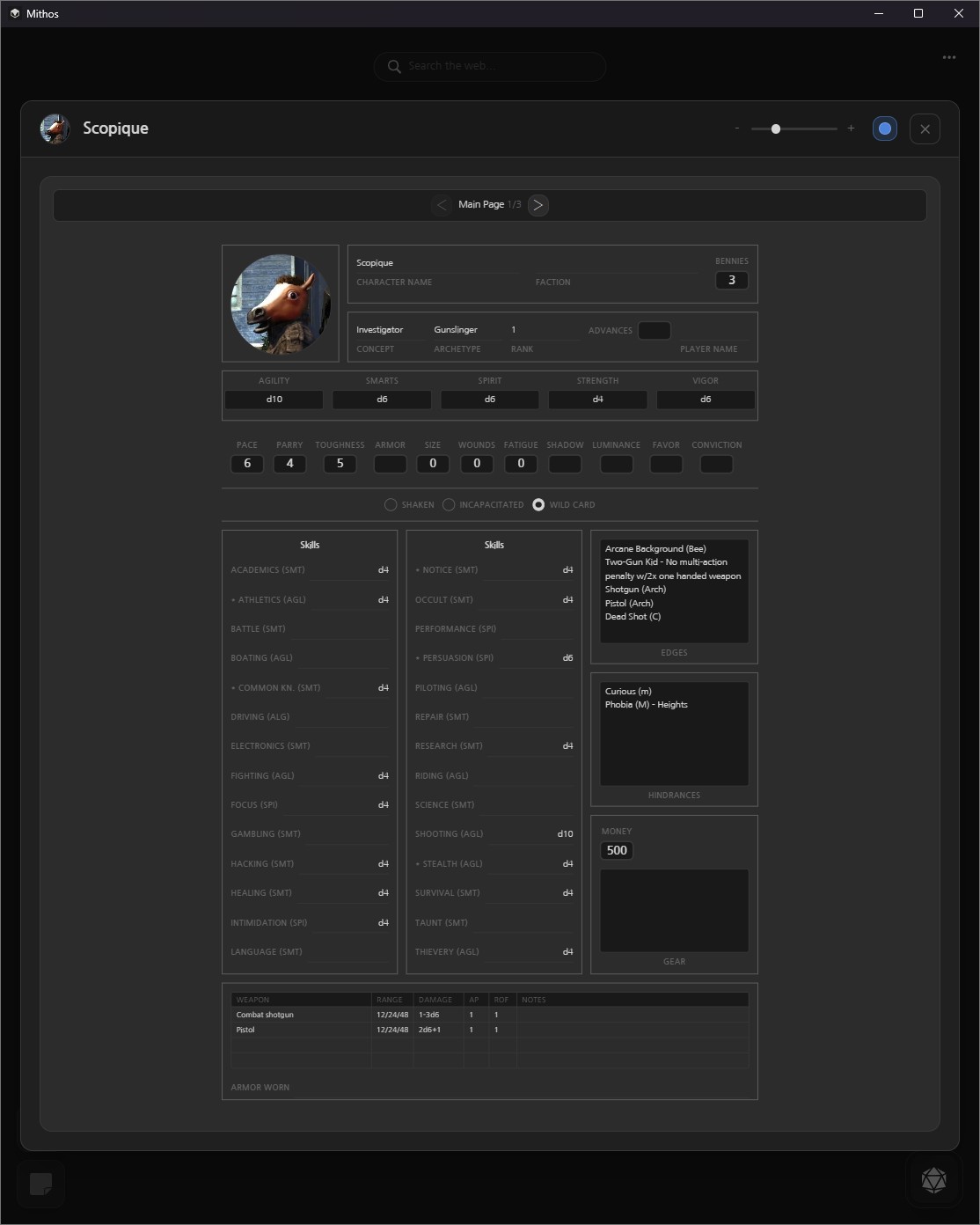
Being a developer who has tried to translate a free-form paper character sheet to the more rigid layout strictures of a digital screen, I know how difficult it is to maintain some semblance of order and interconnectivity between the various inputs a character sheet requires. Mithos hasn’t improved on it’s sheet tools since last I tried it, but since I had a goal in mind this time I stuck with it. I also didn’t have to start from scratch since I could use most of the existing SWADE widgets in my new layout. I did have to add in TSW-specific widgets like Luminance and Shadow, Favor and Conviction, and also had to omit some of the Skills that TSW doesn’t use, like Psionics.
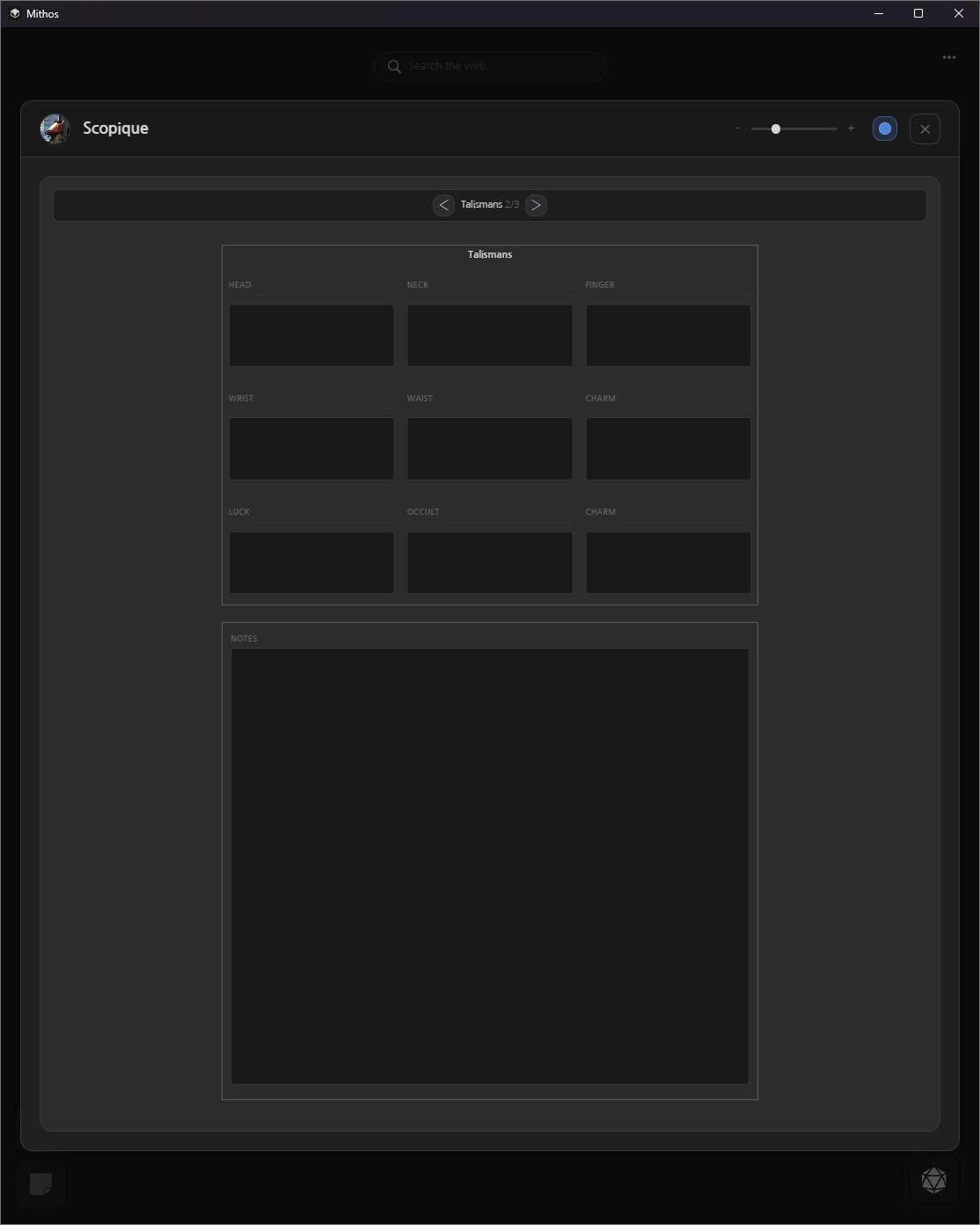
One of the more difficult tasks was creating a layout for Talismans. The PnP sheet has just a line for the talisman name, and a box for the description of the powers. I could do that with Mithos, and even had a lot of space left over for notes. I feel bad about misusing the space thusly, but it works in my favor.
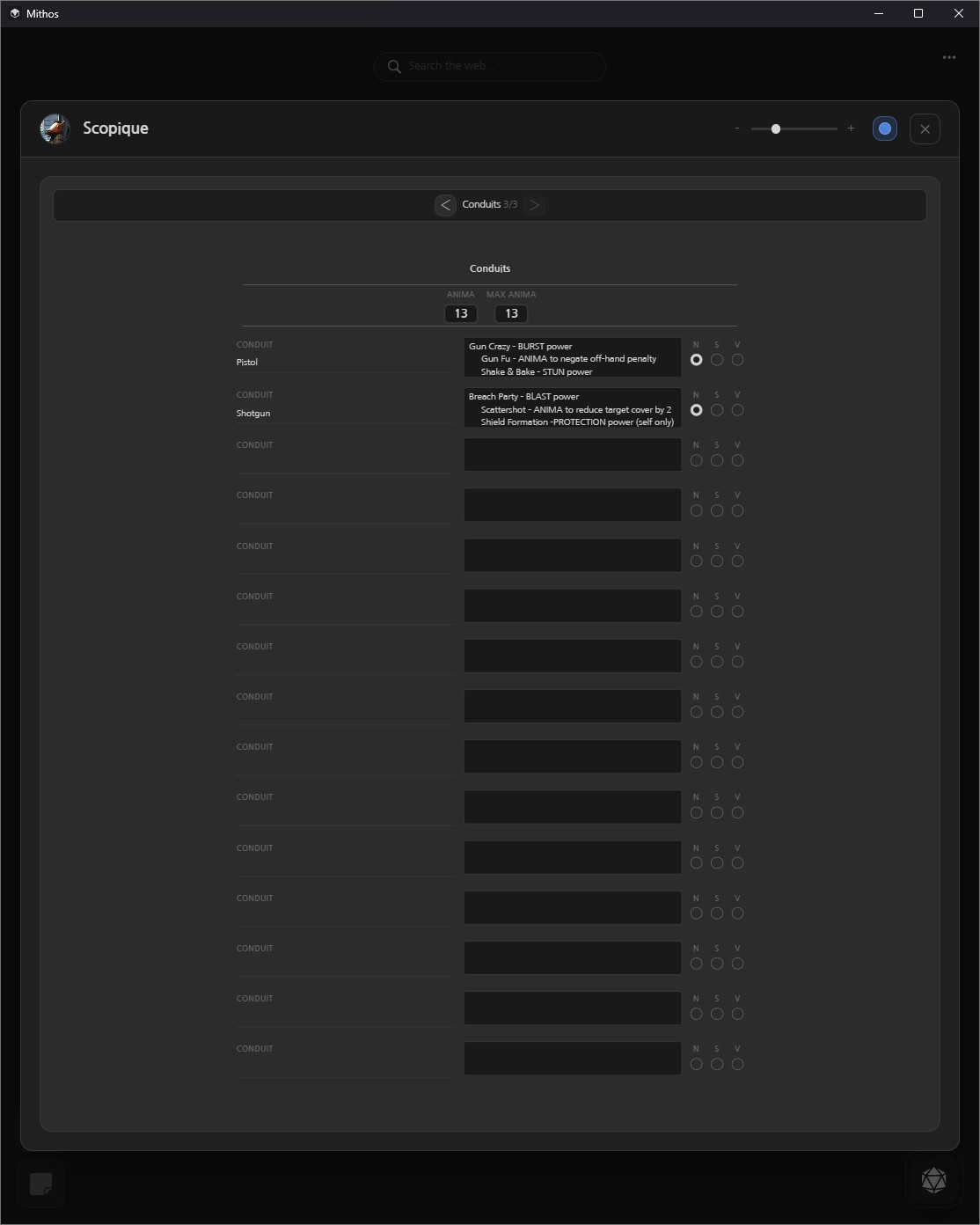
The real PITA came with the Conduits. These are the “spells” that characters have in TSW. Each one is broken out into Novice, Seasoned, and Veteran Ranks, and each rank can have two or three abilities. If I’d tried to model the digital sheet after the PnP sheet, I’d have at least two pages for this layout alone. Instead, I tried to cram it into one line per conduit, with radio buttons designating the Rank abilities of that conduit. When a character ranks up, I guess I’ll have to add another line for an existing conduit, with that Rank’s powers listed. If a character starts multi-classing, then this UI could become pretty unstable pretty quickly. I’m not really sure how better to handle this; maybe having two pages isn’t such a bad idea.
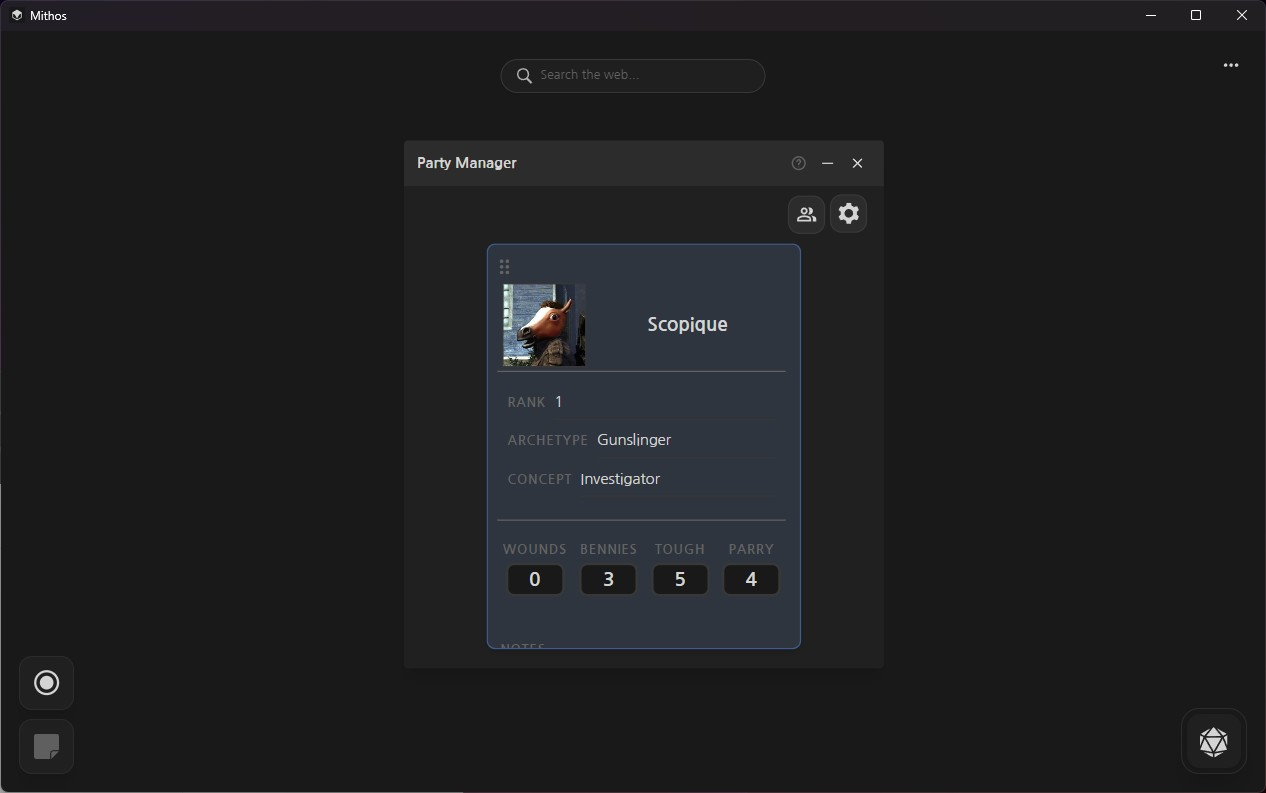
Mithos’ approach is to allow a GM to display UI elements that are necessary to run a session, but for now the only thing I have for testing is the Party Manager. I only modified the default SWADE party member sheet to include Parry, as I would think this is something I might need, though I just realized that there’s a separate Combat Tracker which already includes Parry, so I might remove it from the default Party Manager UI. I’m not sure if there are any other values I should include on the mini-sheet, and probably won’t unless someone who has already played TSW SWADE clues me in, or I find an opportunity to play the game For Realsies.
Next up, though, is working through the NPC and Bestiary sections. Both might be usable in their original SWADE form, but I’ll have to look up the NPCs and creature stat blocks as presented in the various TSW materials I have to see what data they recommend.