
 Scopique
 Scopique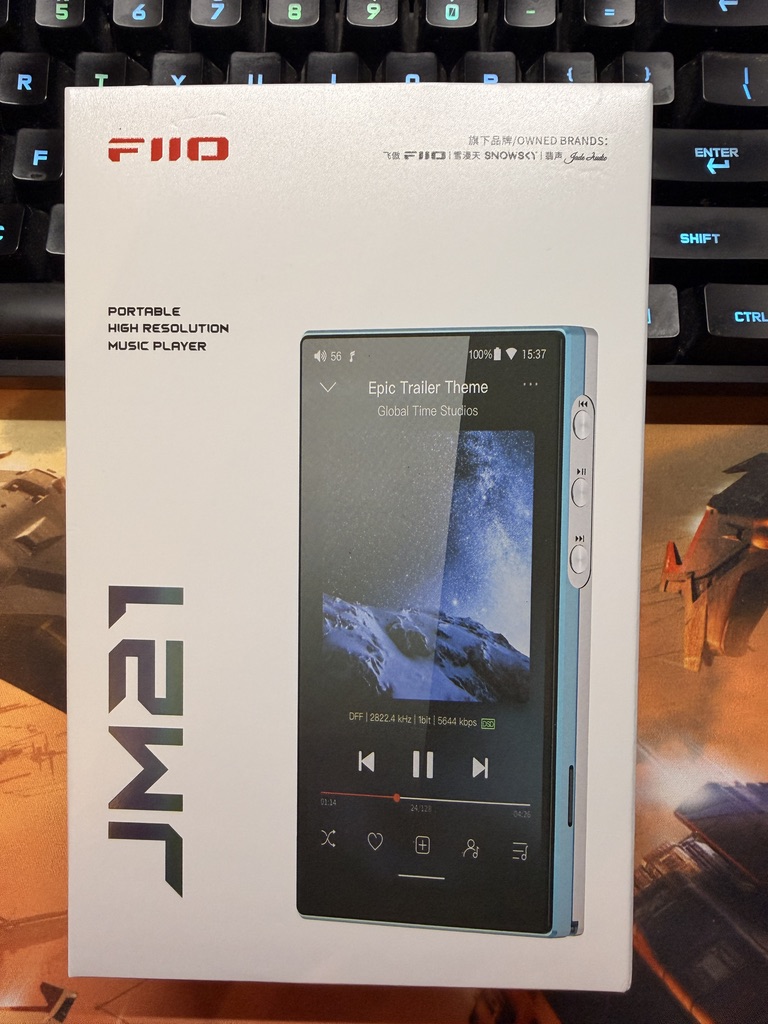
While the Hiby R1 was a great little digital audio player, I found it lacking in some key areas such speed of navigation and playlist management. For example, I had to use VLC to create playlist files, and then I had to edit the resulting M3U files by hand, like a savage to change the paths to the audio files on the SD card to reflect the perspective of the player itself. Not optimal, especially if I decided I wanted to reorganize the files in said playlist. But I guess I get what I paid for, which is why I was already looking at a different DAP for a different experience. At first I considered the Hiby R4 since I had heard goods things about it with its massive battery life and ability to take the 2TB SD card. But it also has a massive form-factor — and a $250USD price — which I wasn’t interested in.
Instead, I chose the FIIO JM21. This is an Android-based DAP, very rectangular and made of plastic. After dealing with the minimalist shape of the R1, I was loving the design of the JM21 even before I powered it up.
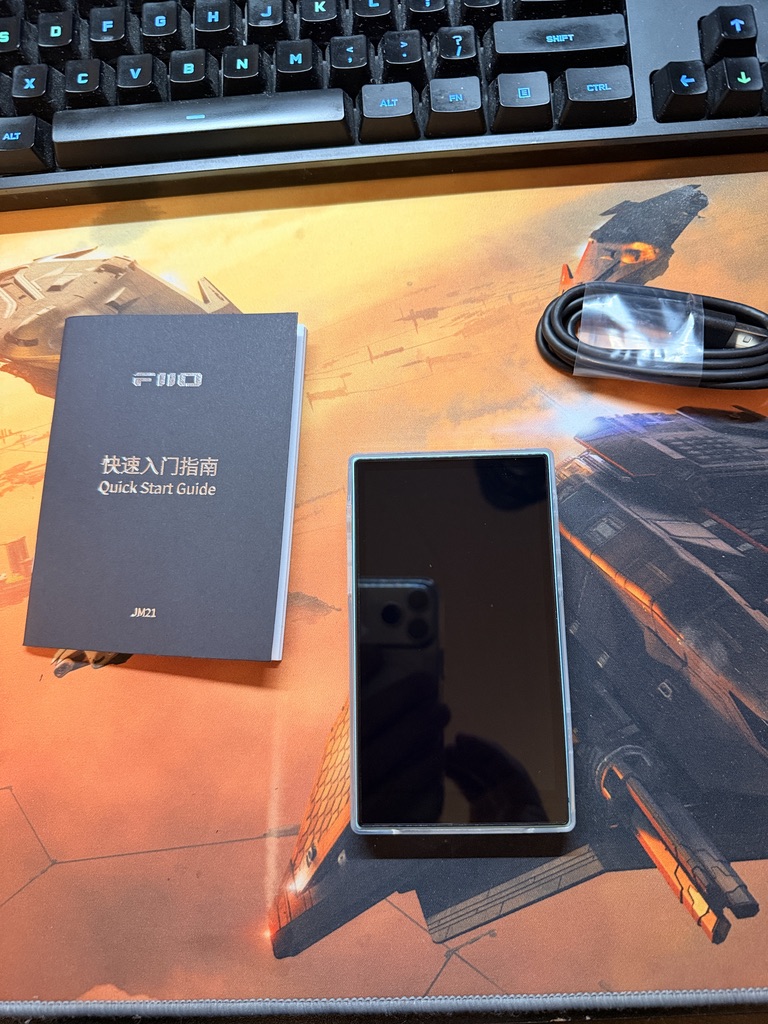
The JM21 ships with a slight manual in about 20 different languages, none of which told me anything other than what the buttons do, the device itself already snug in it’s smooth but tactile silicon-like protective case, and a USB-C to USB-A cable; if I collect one more of these cables I get a free pizza, I hope.
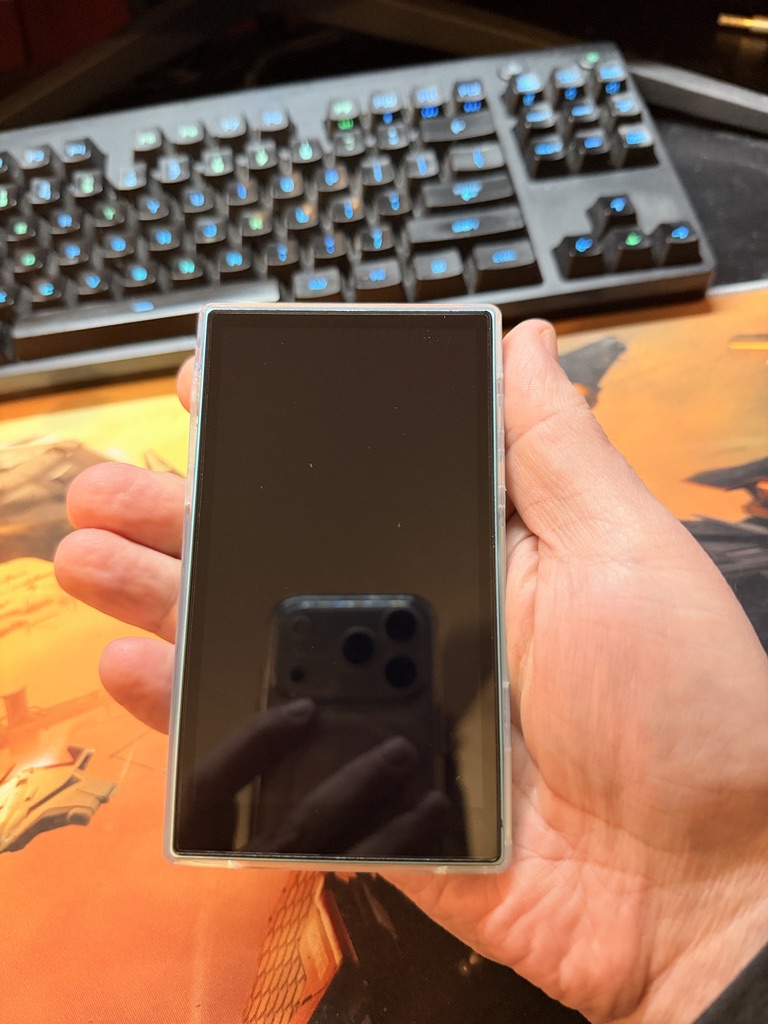
This is a good device to hold, at least for my paws. My fingers can easily reach the buttons on both sides of the device and I don’t think it would be a problem for anyone but a toddler or my wife.
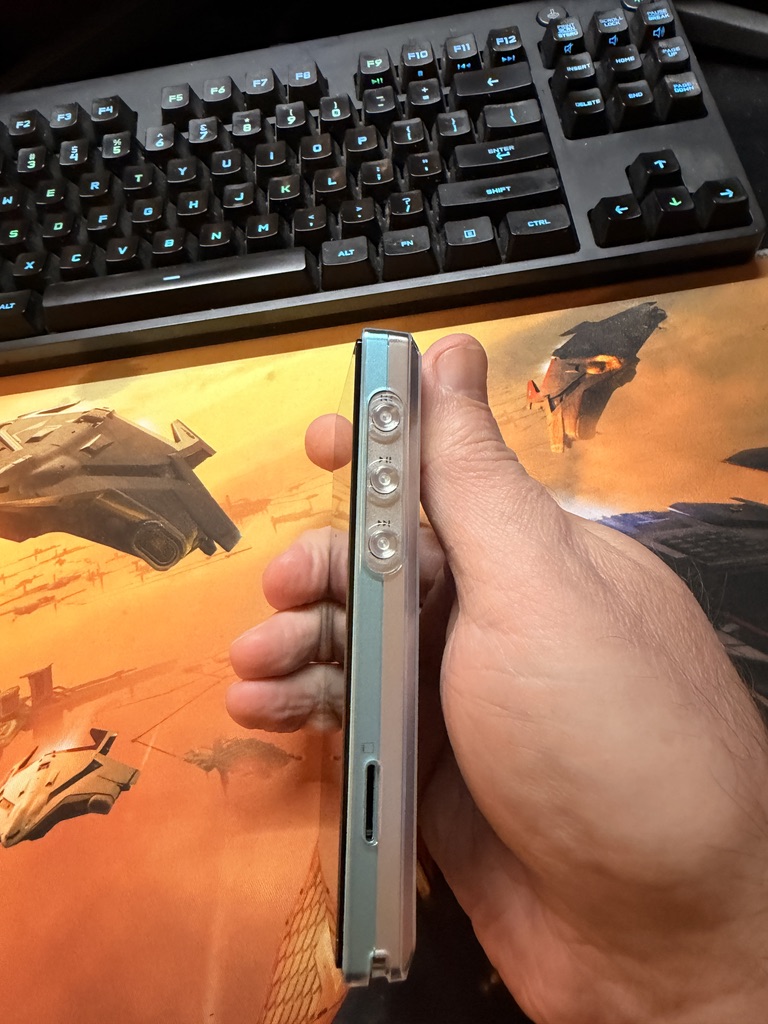
The right side of the device has a next track, play/pause, and previous track which, if you listened to the YouTube reviewers out there, means that it’s already head and shoulders above lesser DAPs which eschew the previous track buttons for Reasons. There’s a MicroSD slot on this side into which went the 128GB card I had riding the R1, meaning I will need to get another SD card at some point.
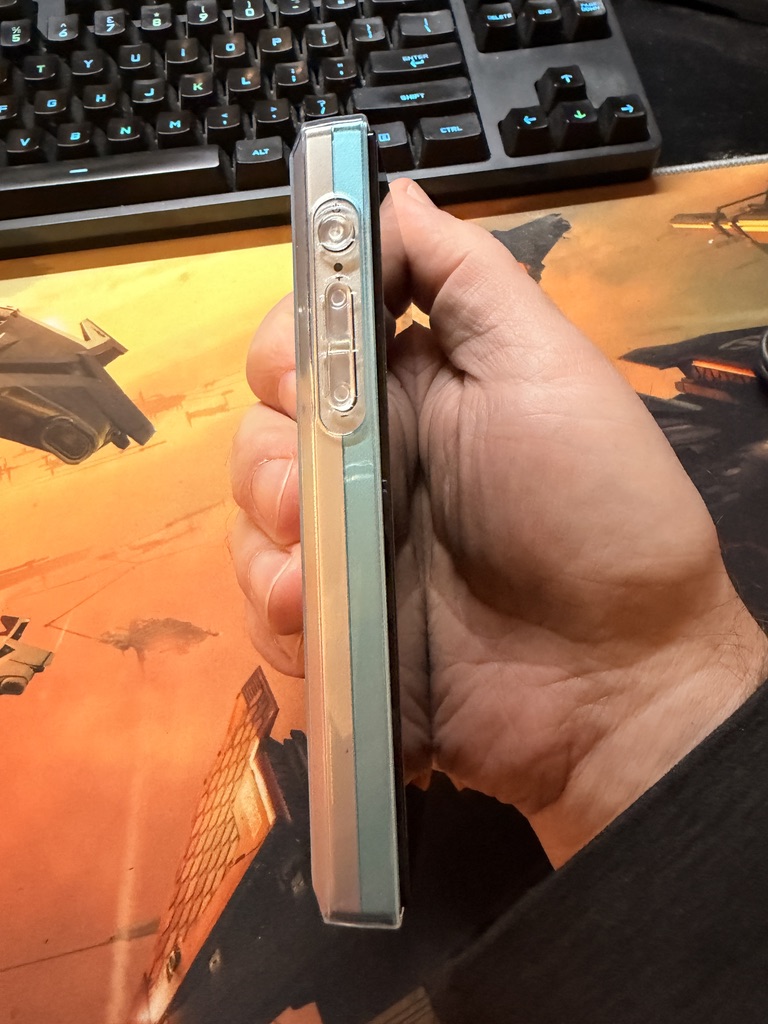
The left side of the device has the power button and volume controls. There’s a small light between those two buttons which illuminates when the screen is on which seems to me to be kind of redundant; if the screen is on I know the device is active. Maybe the side-light remains on if the screen isn’t active but the player is playing. I haven’t sussed out all of the bells and whistles yet.
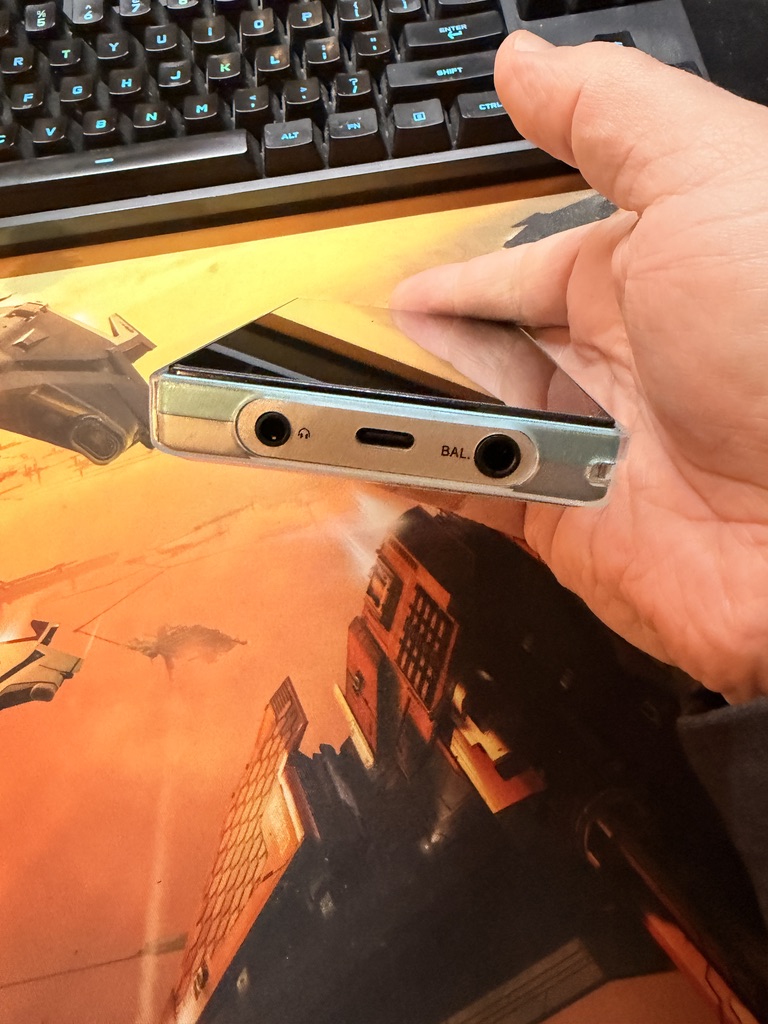
On the bottom of the device we have the 3.4” jack, the 4.4” “balanced” jack, and the USB-C port. There is also a wrist-strap loop bracket here which is opposite side and corner from the R1; I don’t think I’ll use it but I am not sure that having the loop at the bottom of the device is where I would have chosen to put it.
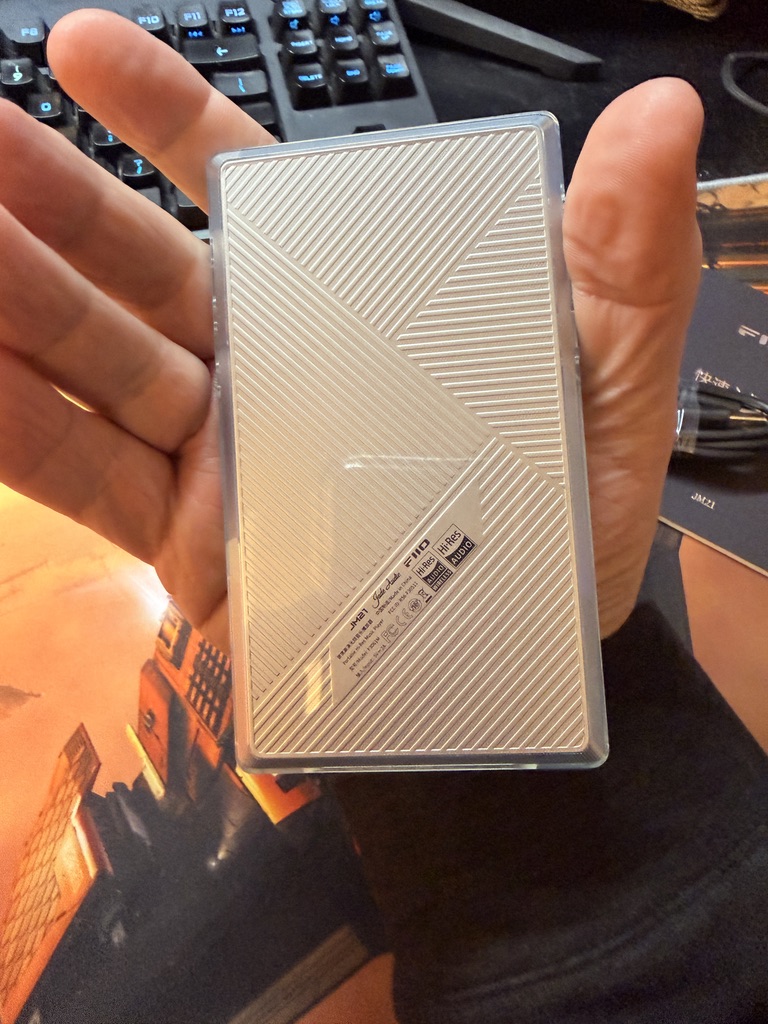
The back of the device has a nice, almost retro-for-some-reason design. It looks silvery and steel-like, but is plastic. I just think it has some kind of late 70’s or early 80’s portable device vibe going on that I can’t explain.
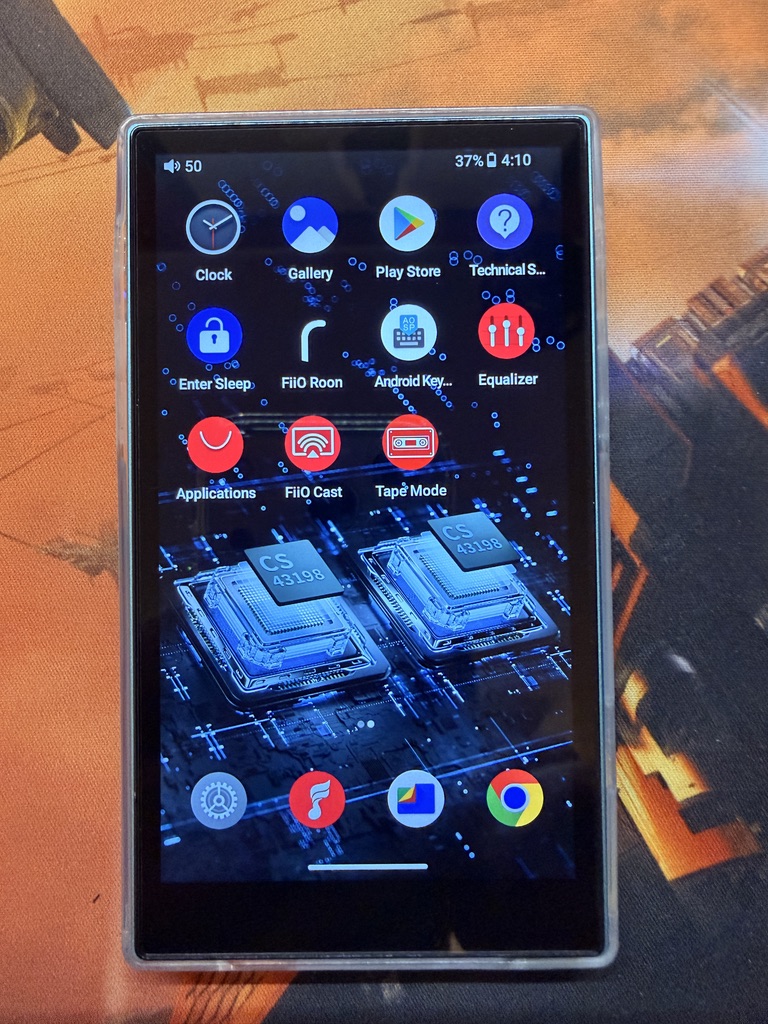
As stated, this is running Android, and Android 13 specifically. Since the JM21 is not a new device I think that 13 is the last update this thing is going to get.
There’s not a lot of apps pre-installed. Anything low-level required by Android, Chrome, or the Play Store are available. FIIO also ships with their own player, an EQ app, a FIIO-branded casting app, and — get this — a display mode which will show your currently playing audio as a cassette tape in an old Walkman. For reasons.
As I feel I must state this every time, I’m a tech guy not an audio guy, so I’d direct you to Super* Review if you want to know more about the JM21 and how it sounds and all that. I did follow his “preferred app” setup which saw me installing:
- PowerAmp, which seems to be the standard player of choice for absolutely everyone who was talking about Android based DAPs.
- Overlay Battery Bar, which displays the device’s battery value as a progressive line across the top of the screen.
- Niagara Launcher, which allows for pinning favorite apps to the power-on for super quick access and minimizes access to other apps via a scrollable alphabet on the right side.
My goal for this device was to remove as much friction as possible from pick-up to listen, so Niagara Launcher handles that just fine. I have installed and pinned PowerApp, the Sirius XM app, and Qubuz which I’m still deciding on whether I want to subscribe to or not. All other apps are hidden behind the alphabetical scroller because I have also turned off wifi and Bluetooth for this device so I don’t want Chrome or anything on the main page. I don’t plan on streaming that often and unlike my phone, I wouldn’t be able to do it out in The World unless I have a reliable wifi signal; there is no SIM slot for cellular access. I hope this will increase the battery life, as the JM21 is rated, supposedly, for about 12 hours between charges. I want this to be a minimal device, specifically for music, without the general distractions that come with the smartphone.
The battery life is, really, the only negative I’ve seen people mention. Overall the JM21 is almost always praised for being a device which punches above its price-point. As of the writing of this post (April 2026) the device can be had on Amazon for $179USD. I saw on Reddit just this afternoon that people were seeing the price shooting up to R4 territory ($250USD) in unnamed places on account of memory shortages, tariffs, Mercury being in retrograde, or whatever reason.
And just to be a completionist, I threw in a dual set of these bad-boys with my JM21 order:
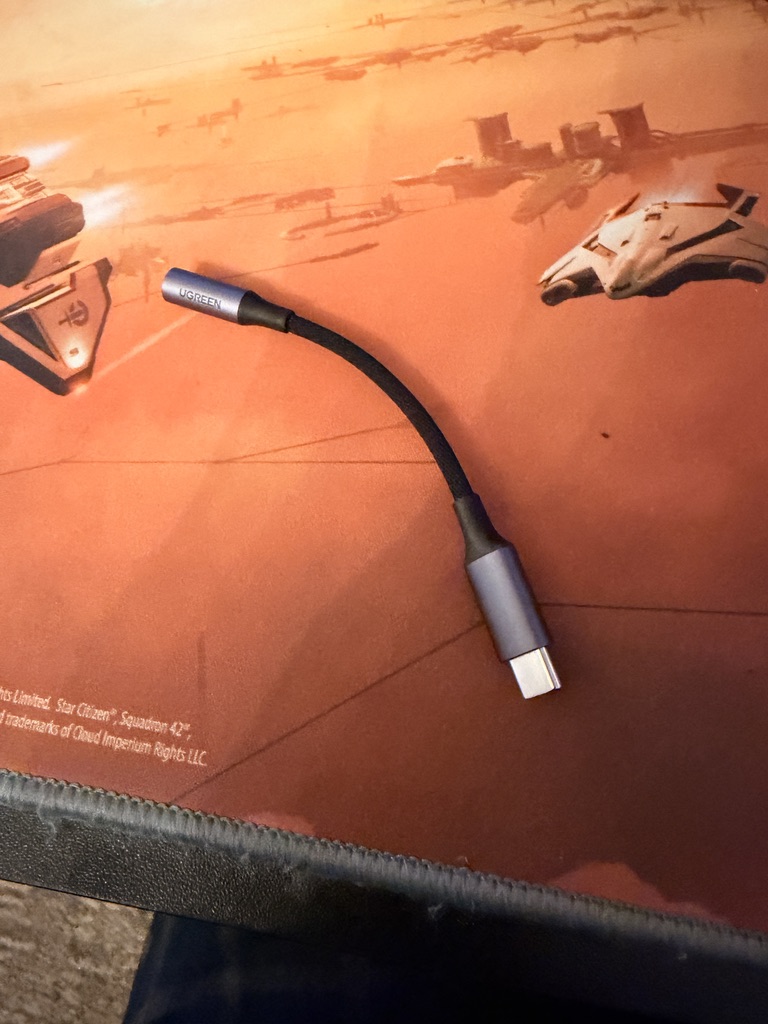
This is a DAC dongle for USB-C smartphones (platform agnostic). They can be had for as low as $8USD and incorporate a DAC processor in the barrel of the 3.4” jack, allowing for high bitrate audio streaming. Naturally, you’ll need a good set of IEMs or headphones with cable attachment to take advantage of this economical addition, but if you have lossless files, want to buy some, or have the ability to rip some CDs and want to see if lossless audio is for you, this is about as entry-level as one can get these days.






2 Comments
Ricardo
April 24, 2026 - 3:08 pmHi! How are you doing?
Thanks for this nice review 🙂 bit I was hoping to see a photo comparing the jm21 and hiby R1. I was wondering how they compare in size
Scopique
April 25, 2026 - 5:49 pmSure! Here you go! https://scopique.com/wp-content/uploads/2026/04/IMG_0757.jpg
Comments are closed.