Scopique
 Scopique
In my never-ending quest to be well equipped, or to maybe replicate a NASA command center I don’t know I had requested and received a Huion K40 mini keypad for Christmas. This sidecar device is designed to be operated by the left hand (or right if you’re a southpaw) when using a drawing tablet as a way to provide easy access to the most important shortcuts and reduce reliance on a keyboard. When using my drawing tablet, I don’t have enough space for my keyboard as well, so things get a little awkward…the exact scenario that the K40 was intended to fix. However, I couldn’t get the damn thing to work with my PC. I also had designs to use the device with Blender and Resolve, two apps which suffer from a mind-numbing compliment of keyboard shortcuts. Maybe such a device could work in my favor by hosting the most used keys for either app, but if so, it wasn’t going to be the K40. So I went looking for a replacement.
Now, I already own two Stremdecks: the original 15 button version which is dedicated to Star Citizen right now, and the Streamdeck+, AKA “the one with the knobs”. I could have just gone for another Streamdeck because keeping devices in the same software family is why I ended up switching from Logitech peripherals to Razer peripherals a few years back. But I didn’t want to pay the Elgato Tax since I had returned the K40 and was at this point shopping full-price after the Holidays.
So I took a chance on an…”imported knockoff”…a.k.a. a “Wish Streamdeck” which was not acquired through Wish but you no doubt understand the reference. Behold! The…“Stream Dock” from VSD.
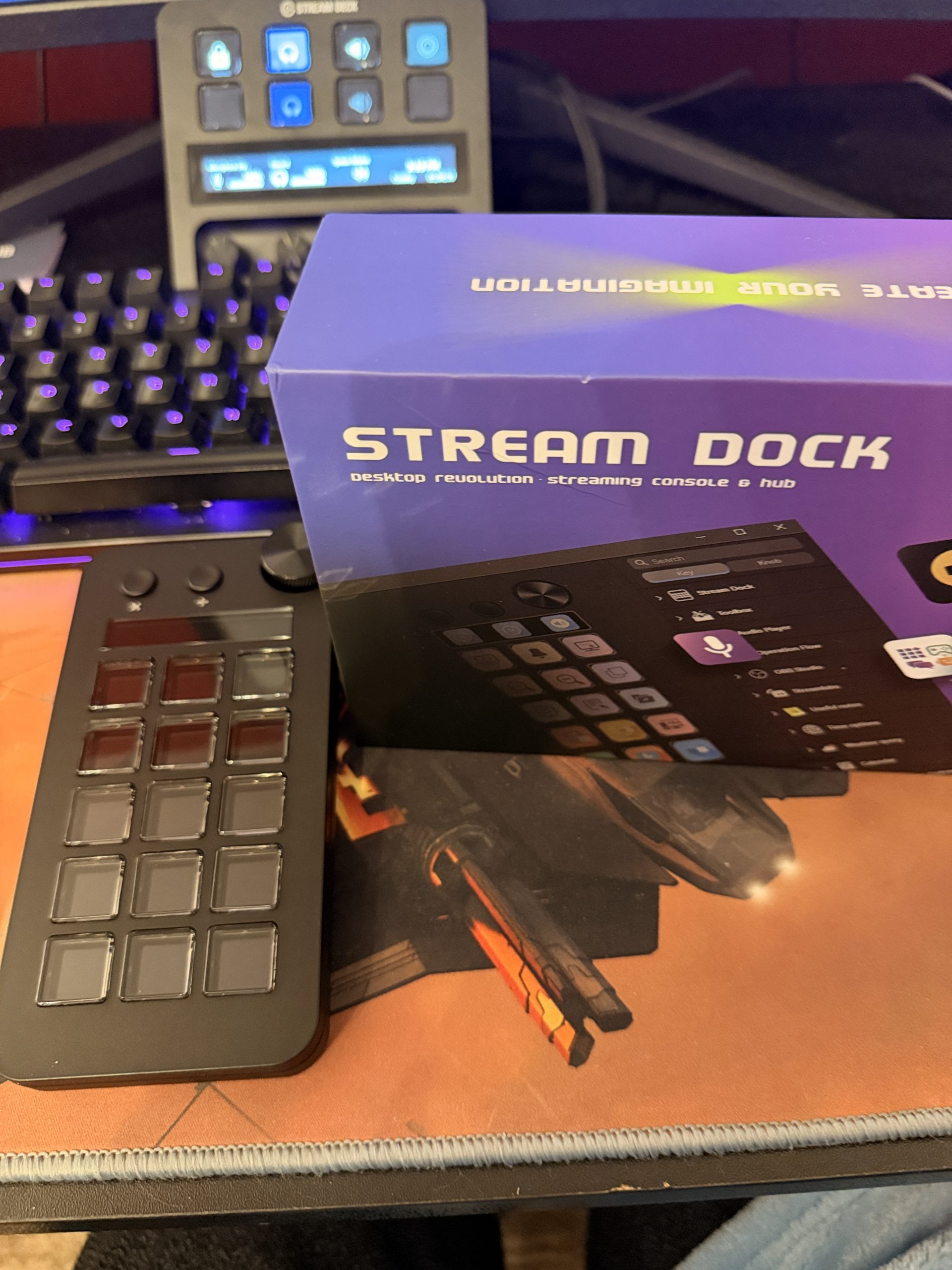
This device is actually advertised as being a number-keypad for a 10-keyless keyboard because the copy really pimps the fact that, out of the box, it has a calculator mode. Oh where have you been all my life?! It also comes pre-programmed with two other “scenes”, neither of which bears any semblance to anything I’d want to use this for and as such, all three were promptly booted into oblivion.
In order to get it working, I’d need to install it’s programming software which, if imitation really is the sincerest form of flattery, then we’re square into intellectual property theft territory right now.
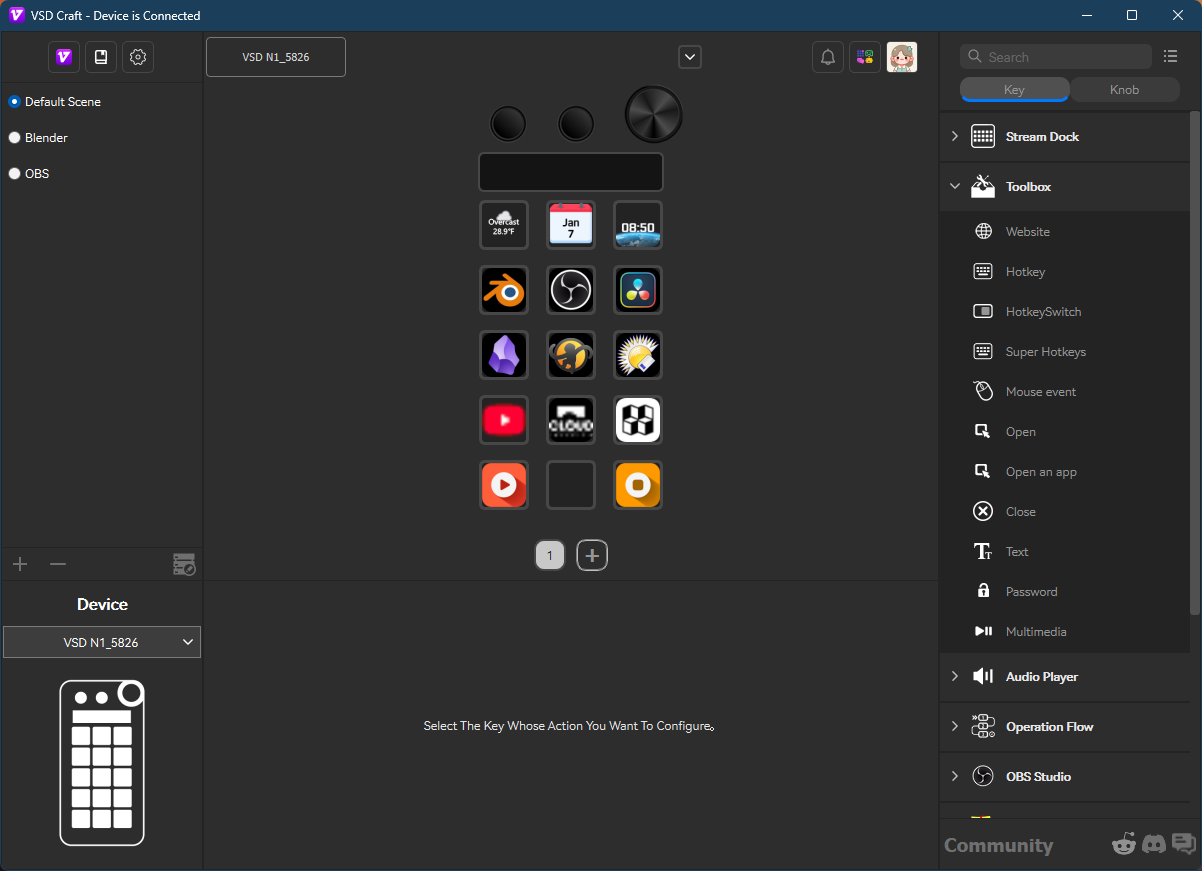
Yeah, that’s damn near the exact same look and feel from this “VSD Craft” app as you’d get from Elgato’s Streamdeck app, right down to the same design and colors for the icon that takes you to their online store. I’d say my mind is blown, but…Temu Streamdeck, after all. The good news, though, is that I understand how to use this software even blindfolded and aside from the fact that VSD Craft’s commands in the right column are named kind of differently (same icons in a lot of cases, though), this programming app offers all of the functionality that I get from Elgato, with some additional stuff that I actually wish the Elgato drivers had, like mouse actions.
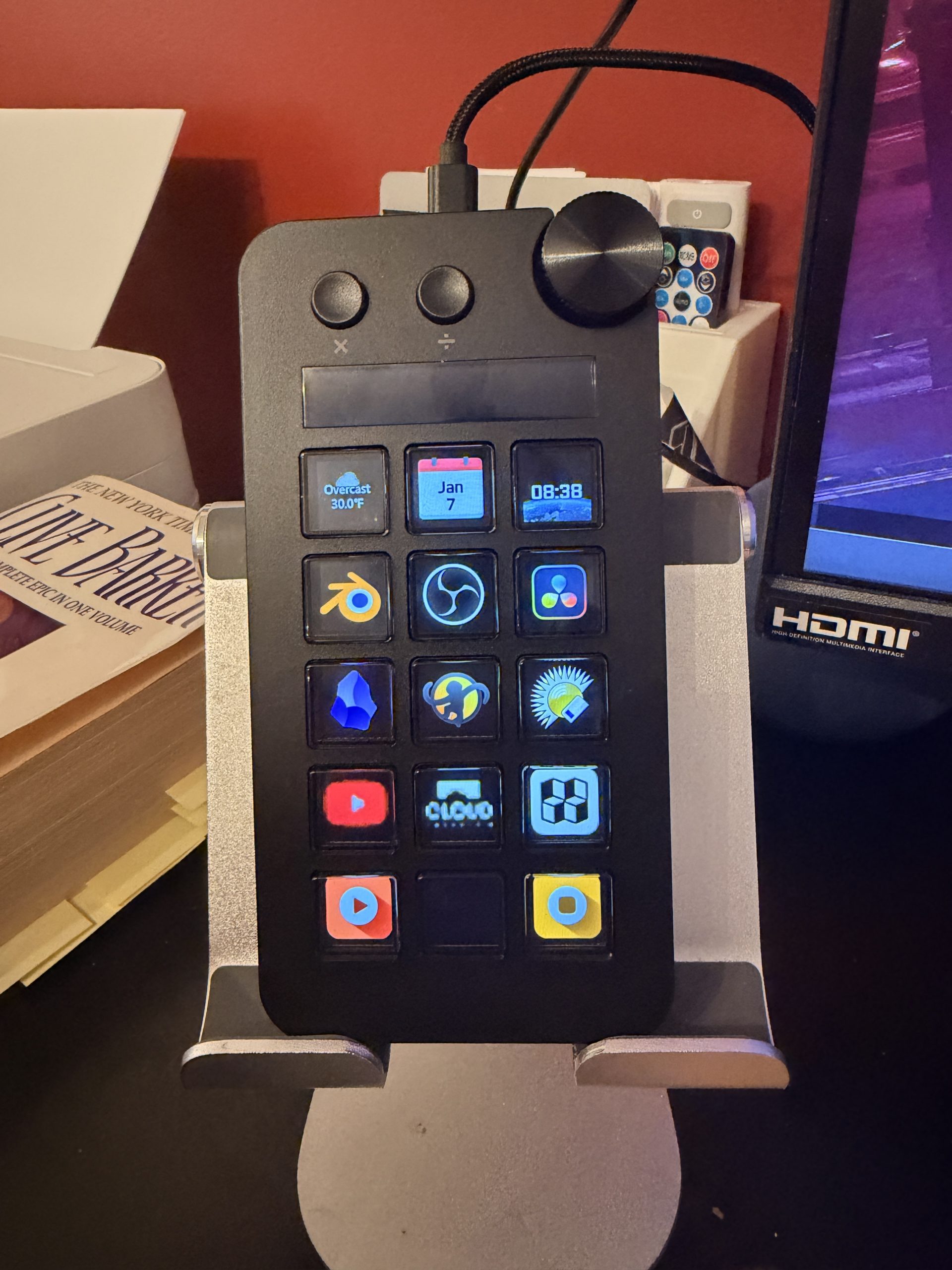
Wiseassery aside, this is not a bad device. My “default” page is set up as an app launcher for my most-used programs. I also have my most-visited websites there (oddly enough, not this one!) and some light media control buttons for maximum redundancy. The device has three one-off controls at the top: a “multiplication” button, a “division” button, and a combination button-dial. All three of those are programmable as well, but this configuration doesn’t need them so I haven’t set them up.
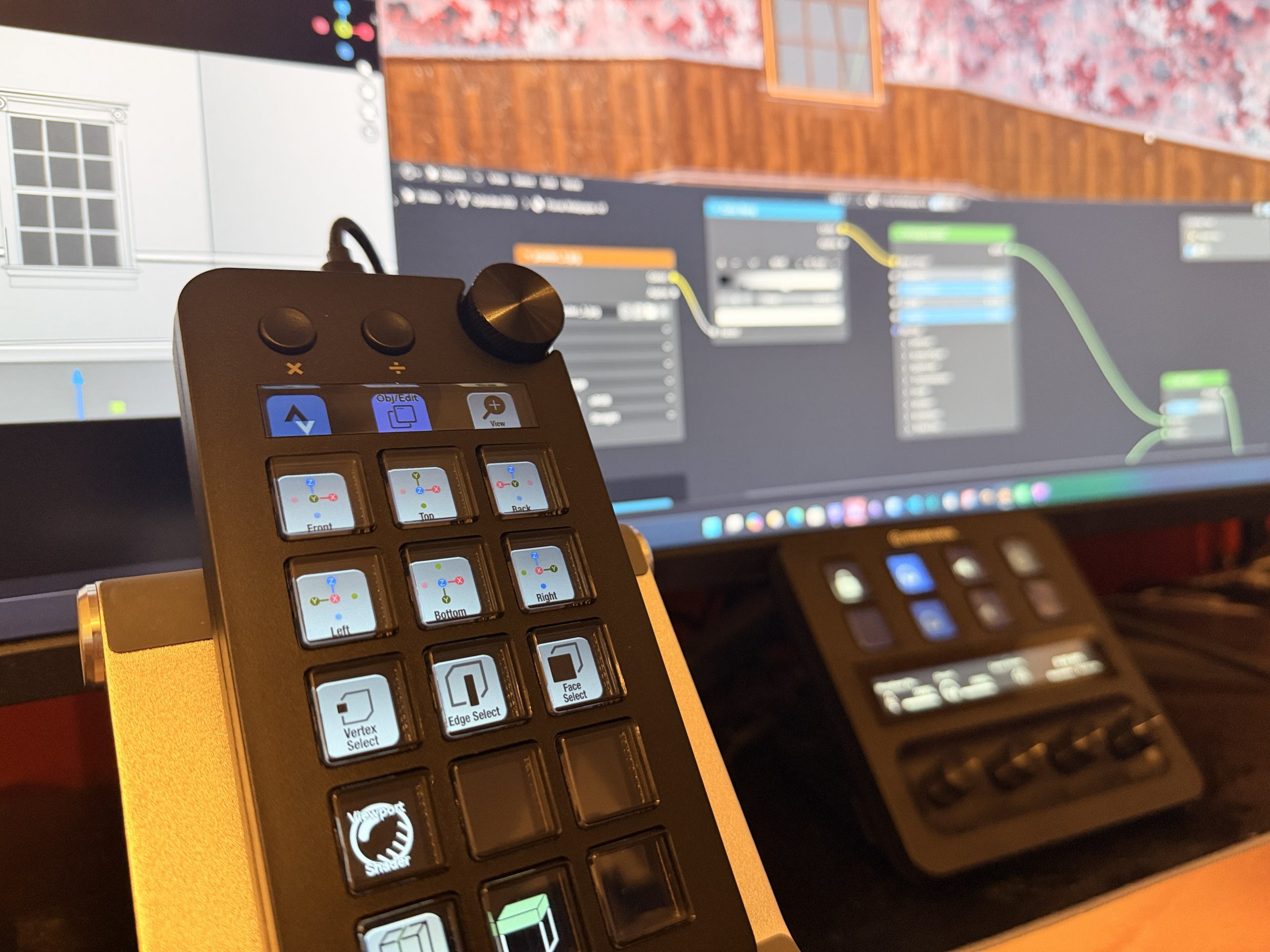
In my Blender scene, though, you can see that the top-most row has some quick-action assignments. The dial — probably the most important reason to have chosen this device over any of VSD’s other Streamdeck knockoffs — is set to zoom in and out. The multiplication button acts as a SHIFT key so I can move around the viewport, and the division button switches between edit and object mode. All of the rest of the keys are bound to actions I perform the most often in Blender. If I wanted to go nuts (like I have set up for the Streamdeck+ thanks to SideshowFX), I could set up multiple pages and dedicate some buttons to navigating between them. In theory, the Stream Dock should switch to the Blender profile when Blender opens, but that’s not working correctly, probably because I have three versions of Blender installed and I can’t really tell which one listed in the programming software is which.
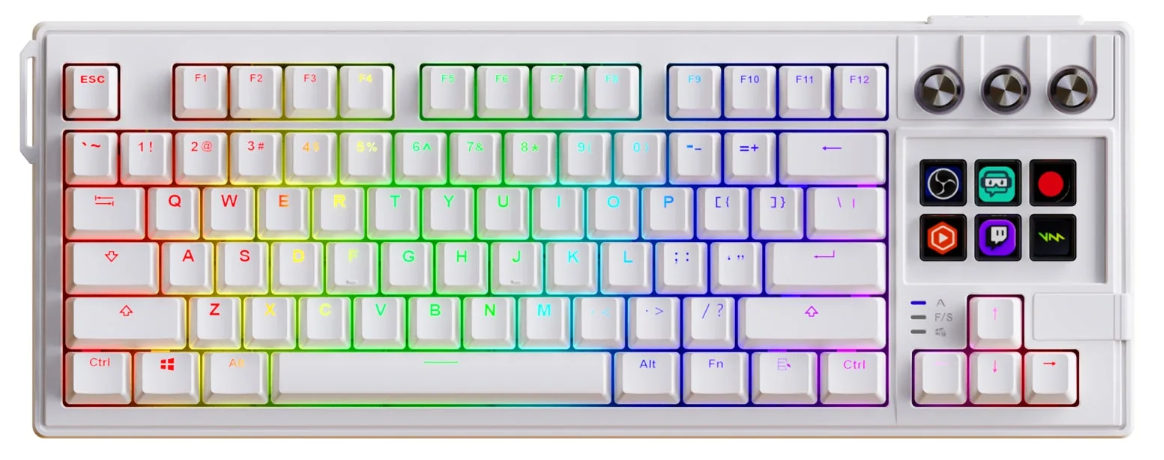
Truth be told, this isn’t a bad device. It’s as responsive as my Streamdecks and obviously the software is an…homage…to Elgato’s design and function so it all makes sense. If I were a more paranoid person I might have paused when reading the instructions on installing the software which included verbiage to the effect of “if your AV software complains, just ignore it”, but my AV software did not complain so I’m living dangerously from this point on. The good news is that this device only cost me about $54USD, compared to the Huion K40’s $80USD, or the official Streamdeck’s $135USD. I suppose if I wanted to max out the few remaining USB ports on my PC and decided that LCD keypads are the way to go, I might buy another device from these folks. Maybe even this bad-boy: