
 Scopique
 Scopique
Yesterday, the Illustrious Bhagpuss posted a comment to the previous post which included this food for thought:
“Unless, of course, the idea is to syndicate existing blogs, in which case, sure. Then it just becomes a more sophisticated version of linking every post in the Blaugust discord content channel, which I do all year anyway”
The Magnificent Krikket followed up with this in response:
“Goddamnit, this is a good idea. I mean, a really good idea.”
And I don’t disagree. It’s essentially what RSS readers do, but RSS readers keep all posts under the header of the providing site. This is probably a “me” problem, but if I want to read posts across all feed sources in reverse chronological order, I can’t, really. Plus, RSS output can be kind of ugly, you know? I’m using the feed reader built into Vivaldi and it does a passable job of displaying posts, but it’s not the most aesthetically pleasing.
So I did a thing. Don’t hate me, but I wanted to see what an aggregator shell would look like, so I sic’d Antigravity on it (Antigravity is Google Gemini’s development IDE).
You are an application developer skilled in TypeScript, HTML, and CSS. You are creating a website which will read a list of RSS feed URLs from a JSON file in the root of a TypeScript based website. The app will read the top 5 feeds from each RSS feed, organize them chronologically, and will display them in their entirety. The display will use lazy-loading to render each post in a single column, 3/4 width of the full page. Each post should include the title, the date of publication, the author’s name, any header image included in the post, and all images included in the post. The title should be a link which opens the post in it’s own, dedicated page. At the bottom of each post is a button which will redirect the user to the original post on the original site. I have included a selection of RSS feeds to use in the file “rss.json” in the root of the project folder.
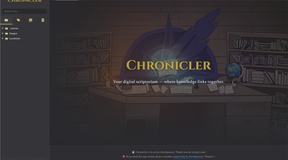
After a little bit of course-correction, I got this:
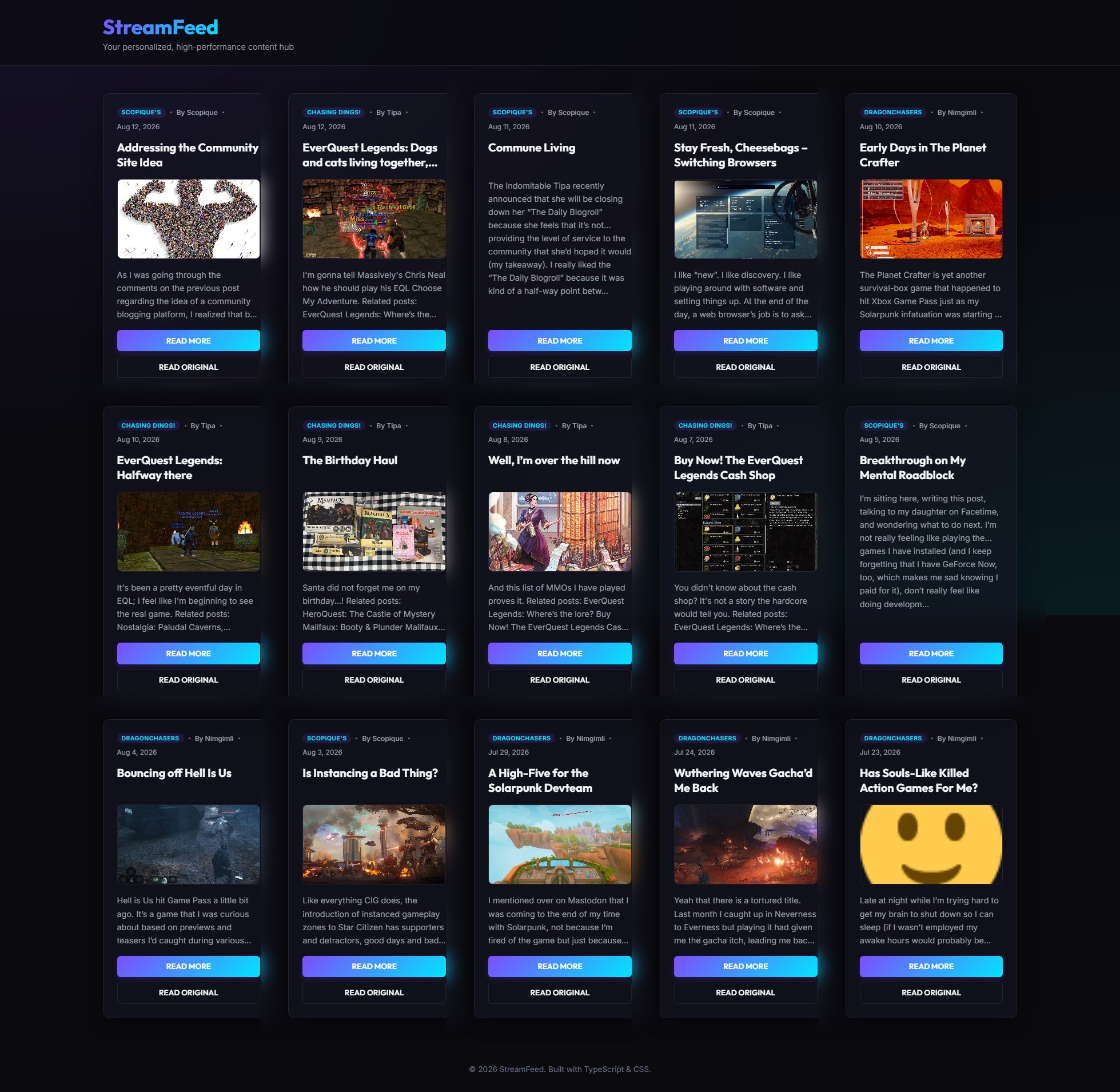
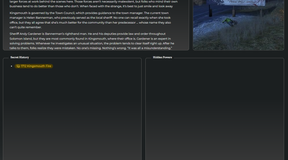
Each box has a title, author name, and publication date. It uses the “hero” image and, if available, the post excerpt or the first 300 characters of the post. There’s no good choice there, really. It has a button which allows the visitor to read the post on the site, or to visit the original site.
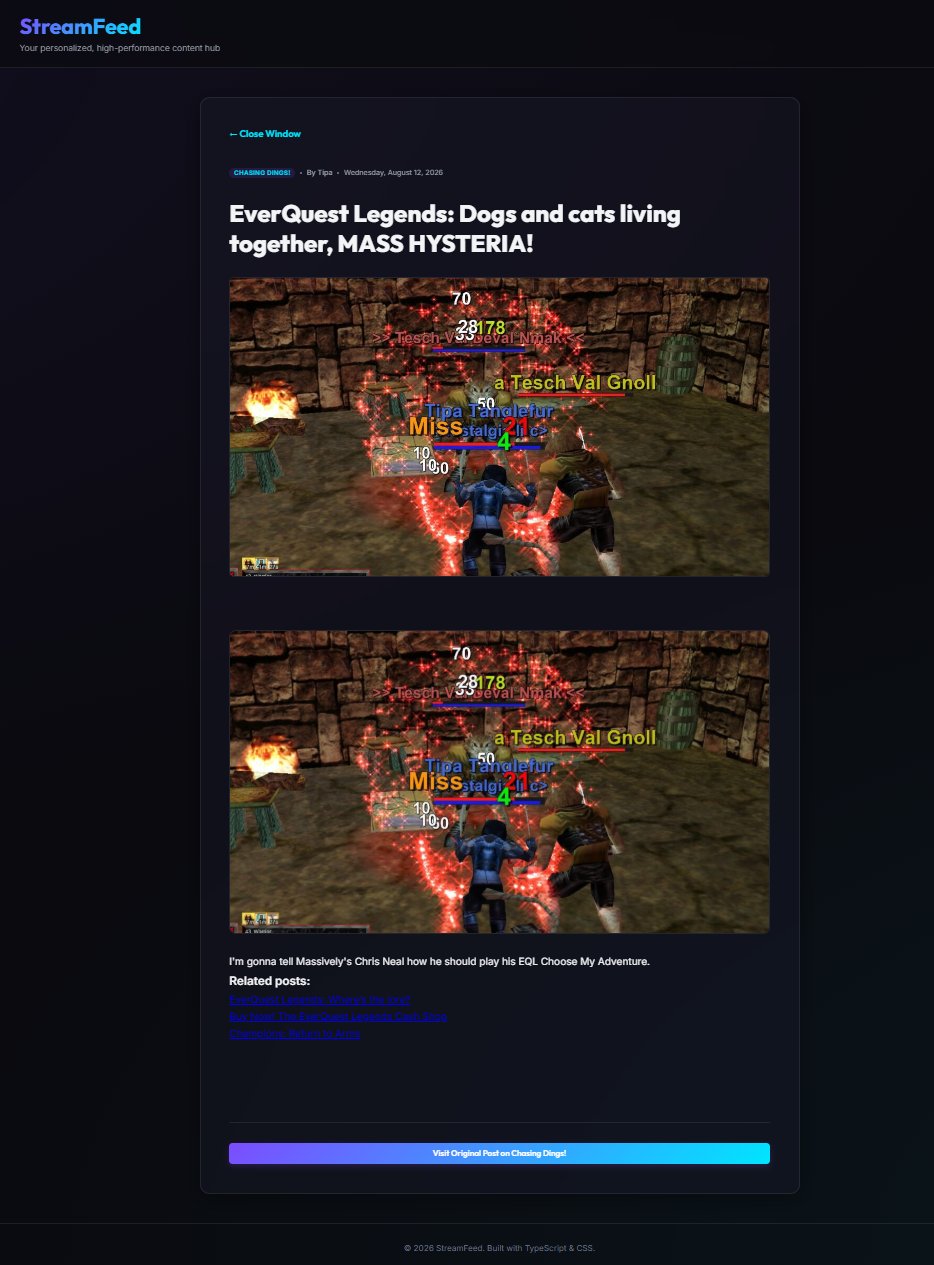
Some of the platforms don’t provide a full body of the post, so that’s kind of weird.
This is pretty much one-step removed from Tipa’s “The Daily Blogroll” except that it’s not summarizing each post. Once I saw the output of this test I swear I saw some other site that was doing something similar to this, but I can’t remember where or by whom.
After looking at this format I’m not sure what anyone would be getting out of this. I think it’s nicer to look at than an RSS feed, especially since it provides many different posts from many different sites in chronological order. I also had a version which displayed the full text of each post in a lazy-loading column format on the main page but that was difficult to screenshot so I changed over to this panel format for illustrative purposes.
Let me know if this has value to anyone — as a concept. I have no plans to run with this, although I might keep it as a personal RSS reader since I like it better than what Vivaldi’s doing. The thing is, it’s not giving an author anything, I think, aside from visibility well outside their site. If it were to regurgitate the entirety of a post, then the origin gets no traffic. If it relies on the excerpt or the first X characters/words/paragraphs, then it’s just a lesser version of what Tipa’s project was offering.


3 Comments
Nimgimli
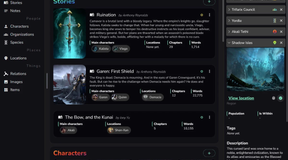
August 13, 2026 - 10:57 amI generally use Feedly and it kind of already offers this. I took a screenshot and posted it on my site:
https://dragonchasers.com/wp-content/uploads/2026/08/feedly_example.jpg
Though I freaking LOVE AI for generating stuff like this as a proof of concept & I kind of want to make my own now, too!
I had to track down a malware attack the other day and wow was it easier having an AI run through several megs of log files over doing it by hand!
b
August 13, 2026 - 4:05 pmThat does look very nice. The odd thing is, I really like those magazine-style layouts like your new one and the Feedly one and Tipa’s Blogroll but when I’ve used them in the past I find I end up reading less, not more. I think my brain somehow sees a glance at the pretty pictures as having “done” everything there, so I tend to to click through. I’ve tried it a couple of times but I ended up going back to a simple text list because a list triggers the sense of something to be completed. The psychology of it is confusing.
Scopique
August 14, 2026 - 1:01 pmI don’t disagree! I’ve looked into streamlining this site’s homepage into a single column stream but every time I’ve tried it’s ended up breaking the whole site for some reason. But I’ve gone back to look at the aggregate output and I agree; something feels “off” to me in a way that causes me to bounce off.
Comments are closed.