Scopique
 Scopique
I want to serve this disclaimer with the highest importance: this is an impressions piece, not a review, and certainly isn’t the kind of thing you should be reading if you want graphs and charts and talk about waveforms and giggle-hertz or whatever. As such, this post is intended for the curious, of those outside of the audio-sphere who might be looking to flee to the forests of bygone eras when it comes to their music.
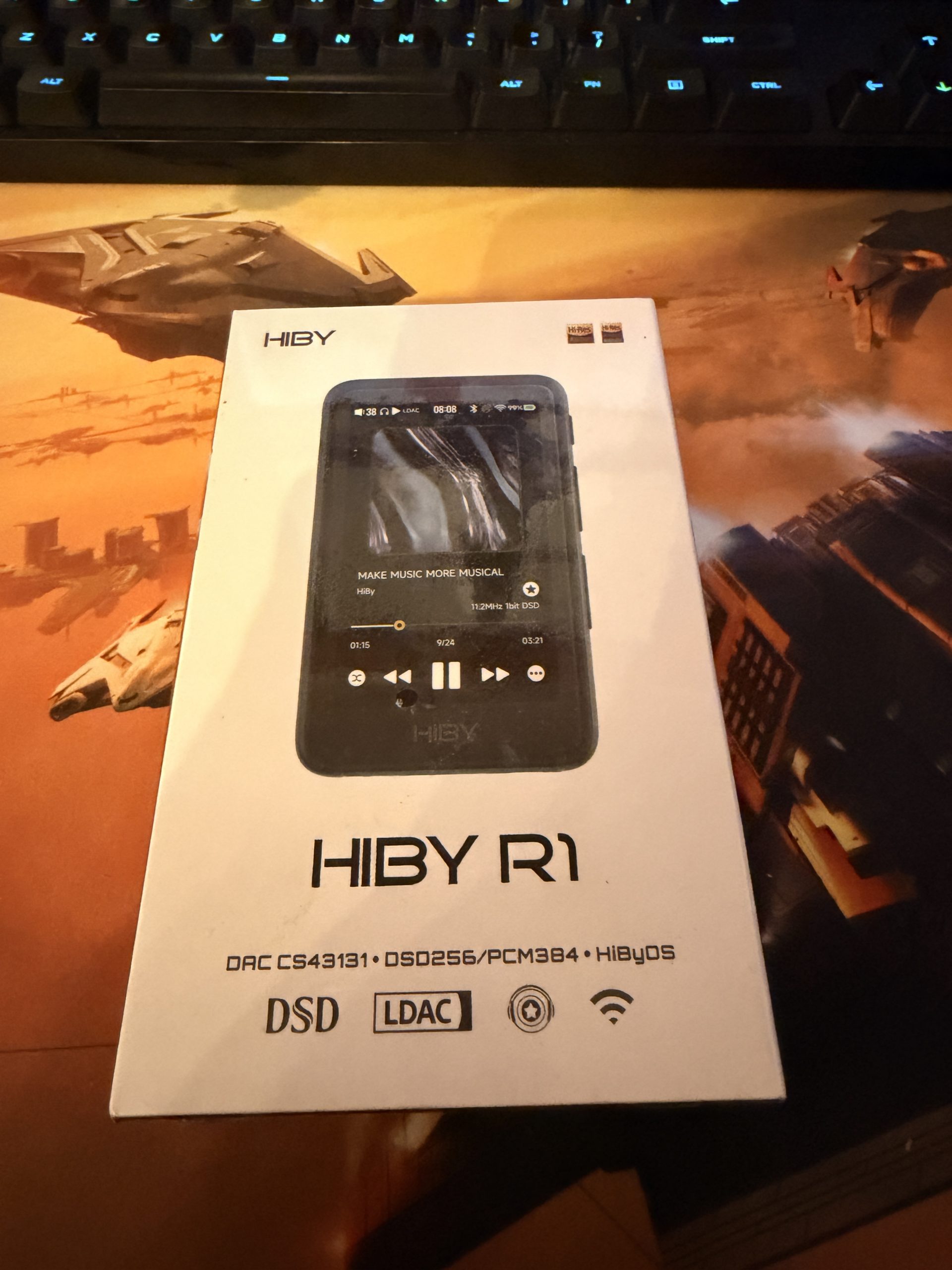
Like many, I think, I equate a low price for a piece of tech with low quality. We live in an era where companies exist solely to pump out barely workable devices that fulfill a need, but only just; since these devices are so inexpensive it’s OK if one breaks. We can just buy another. That’s one reason why I was curious, skeptical, and ultimately OK picking up the HiBy R1 DAP. It’s one part desire, one part experiment with a relatively low barrier to entry and I fully intend for this to serve as a gateway towards loftier, probably more expensive experiences.
“Why, when you have a phone?” is a real, not-insignificant question that plays into this. One reason is because The Demon Rectangle rules our lives, and taking an opportunity to disentangle myself from its ubiquity should be a worthy goal. Another reason is that these modern DAPs aren’t just means towards their own ends like the original MP3 players were. Even the lowly R1 is outfitted with a digital audio processor that, when paired with the right music files and the right delivery mechanisms, can make music sound better than it would coming from the All Thing in our pockets.
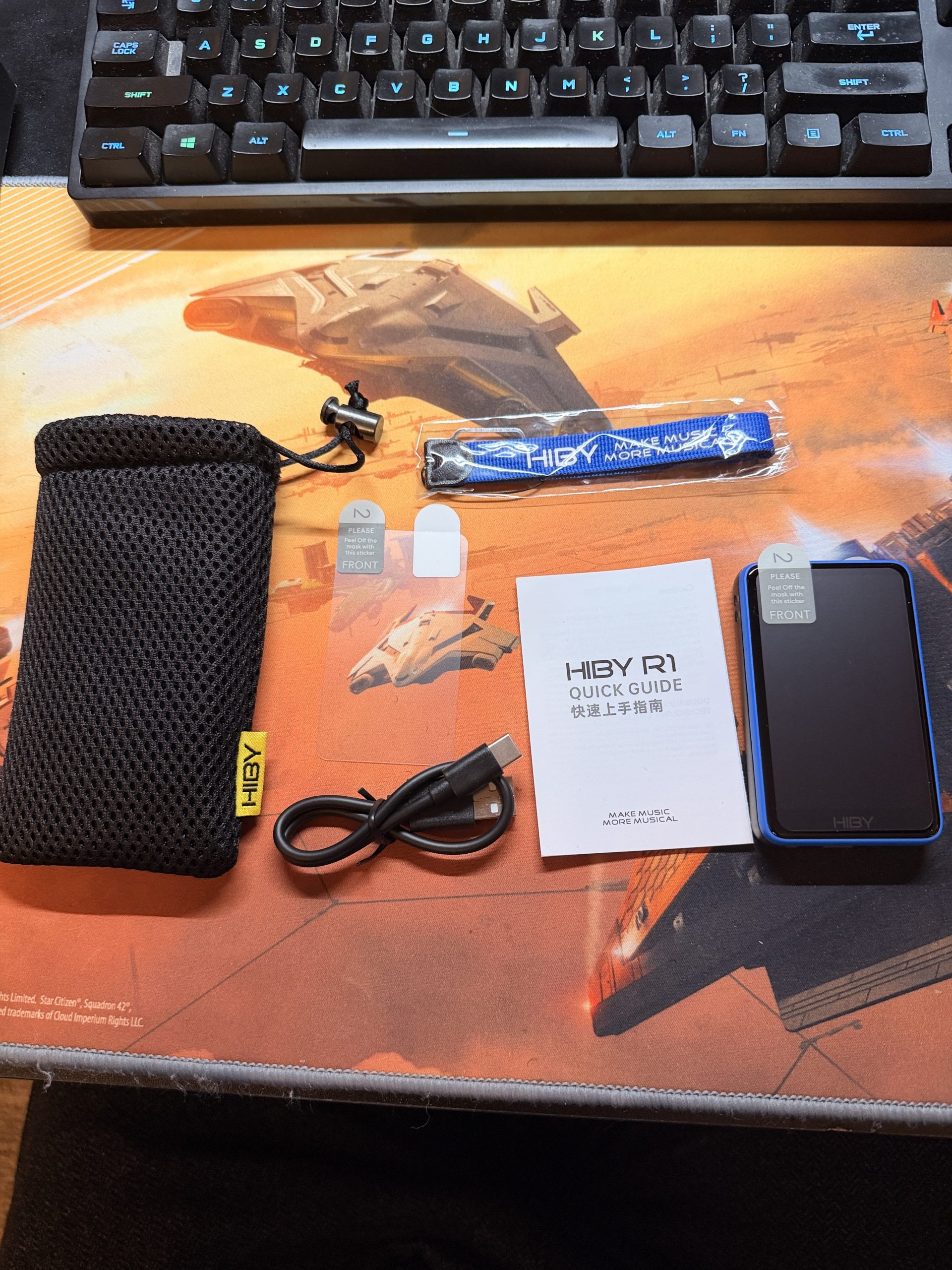
In the box, the R1 comes with a nice compliment of stuff, such as a wrist strap which is painfully difficult to attach, a pre-installed screen protector and a backup, a USB A to USB C cable that’s just long enough to be worthless in a real-world situation, and a mesh bag for repurposing.
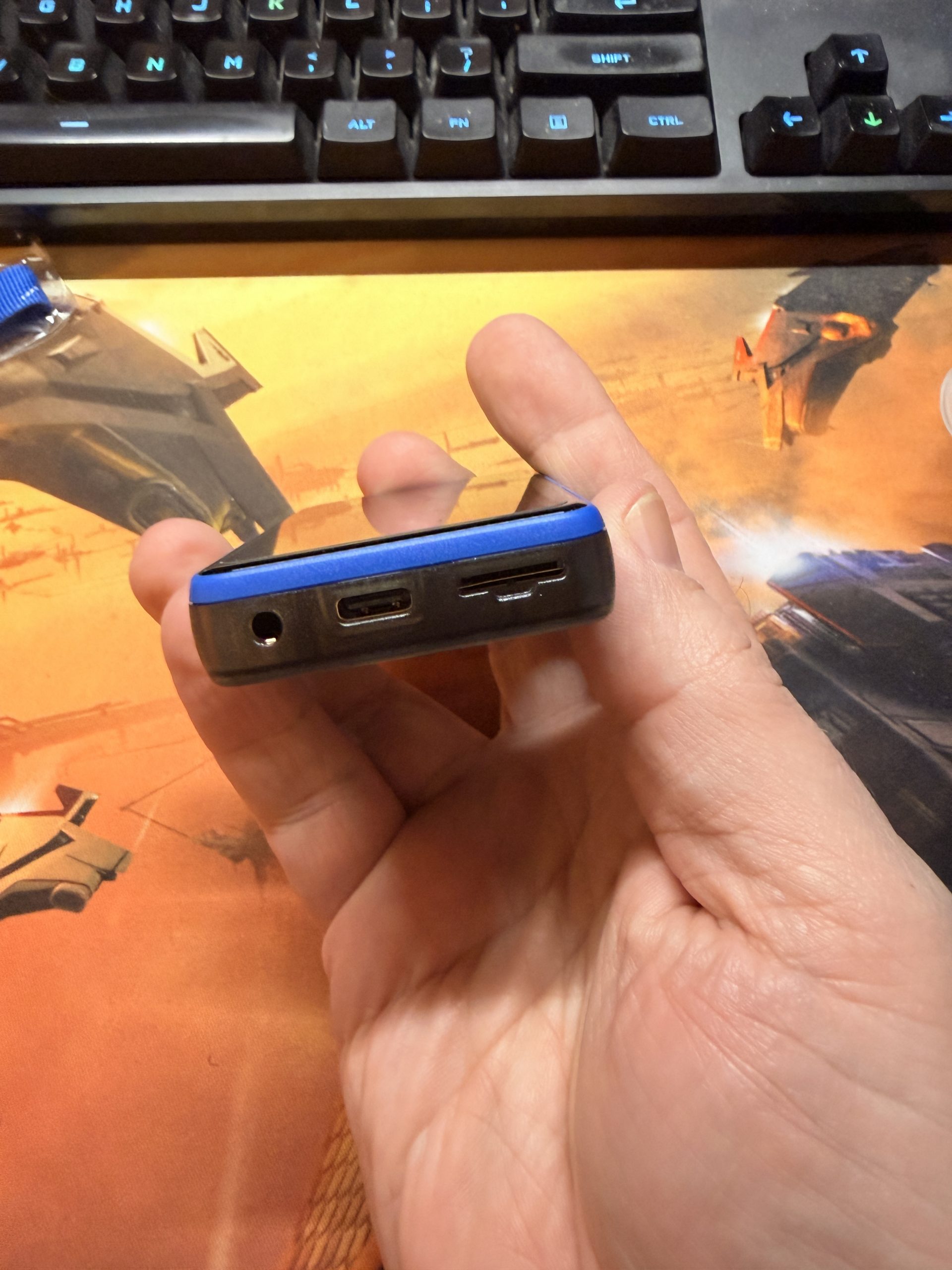
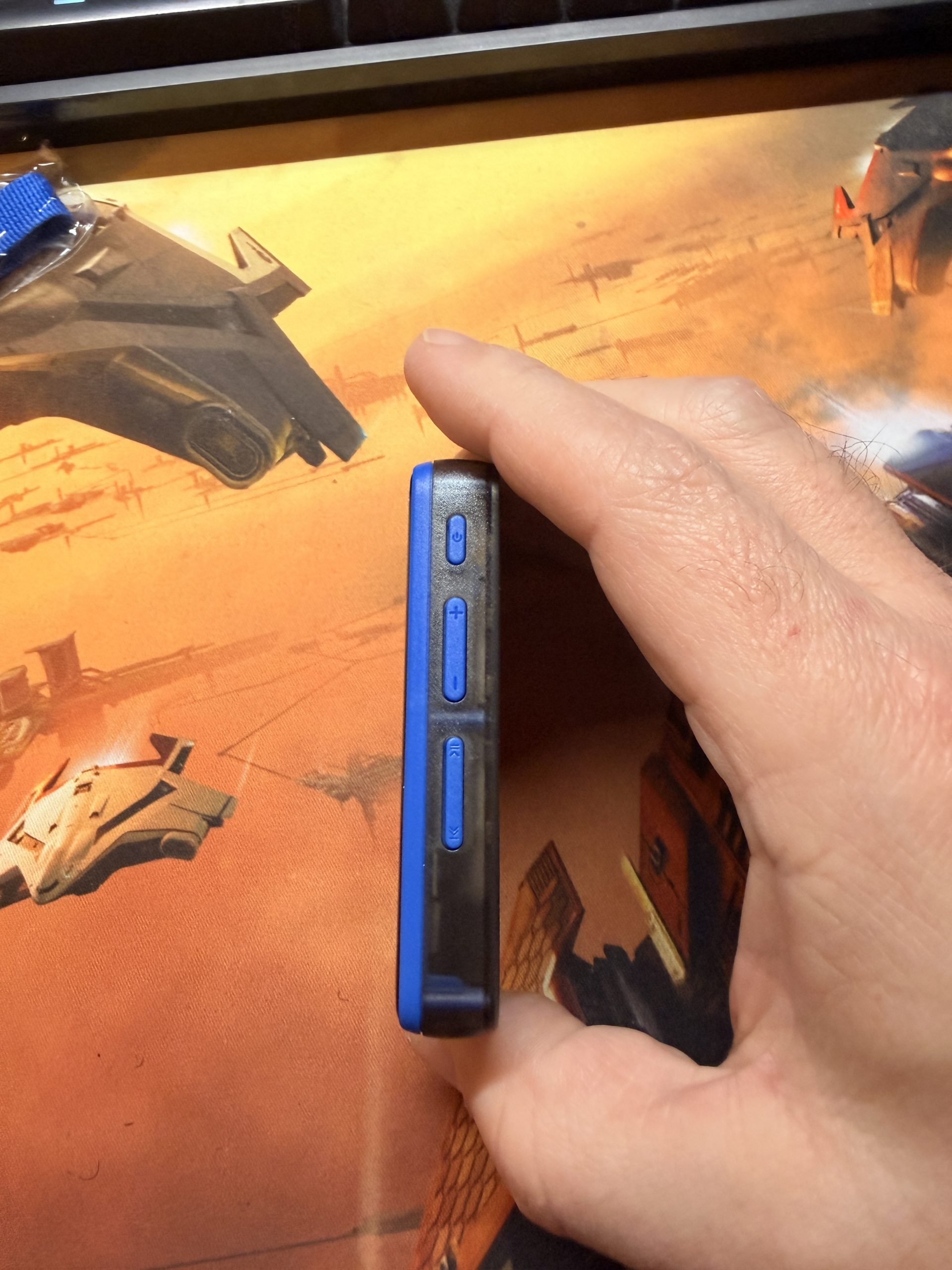
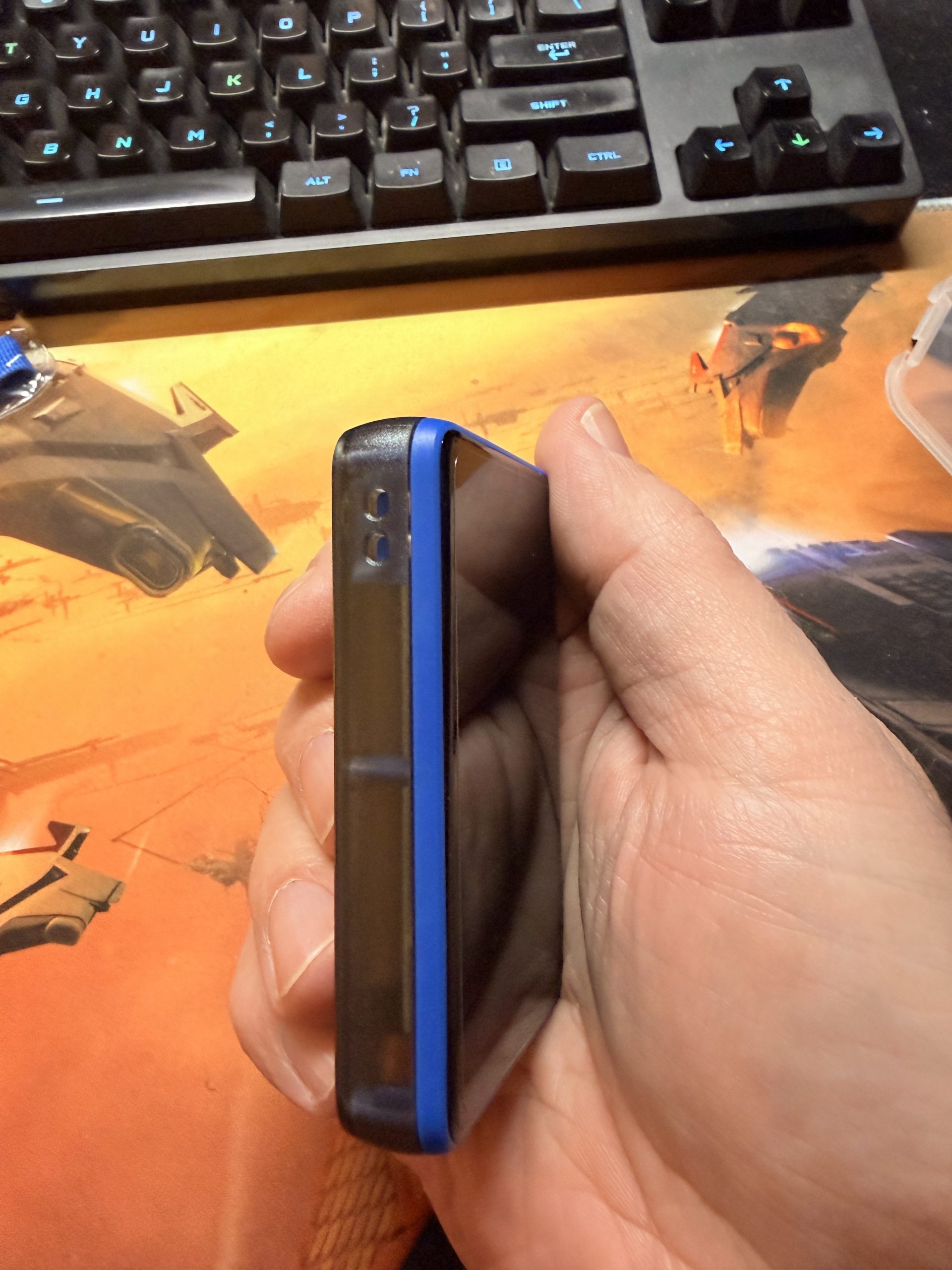
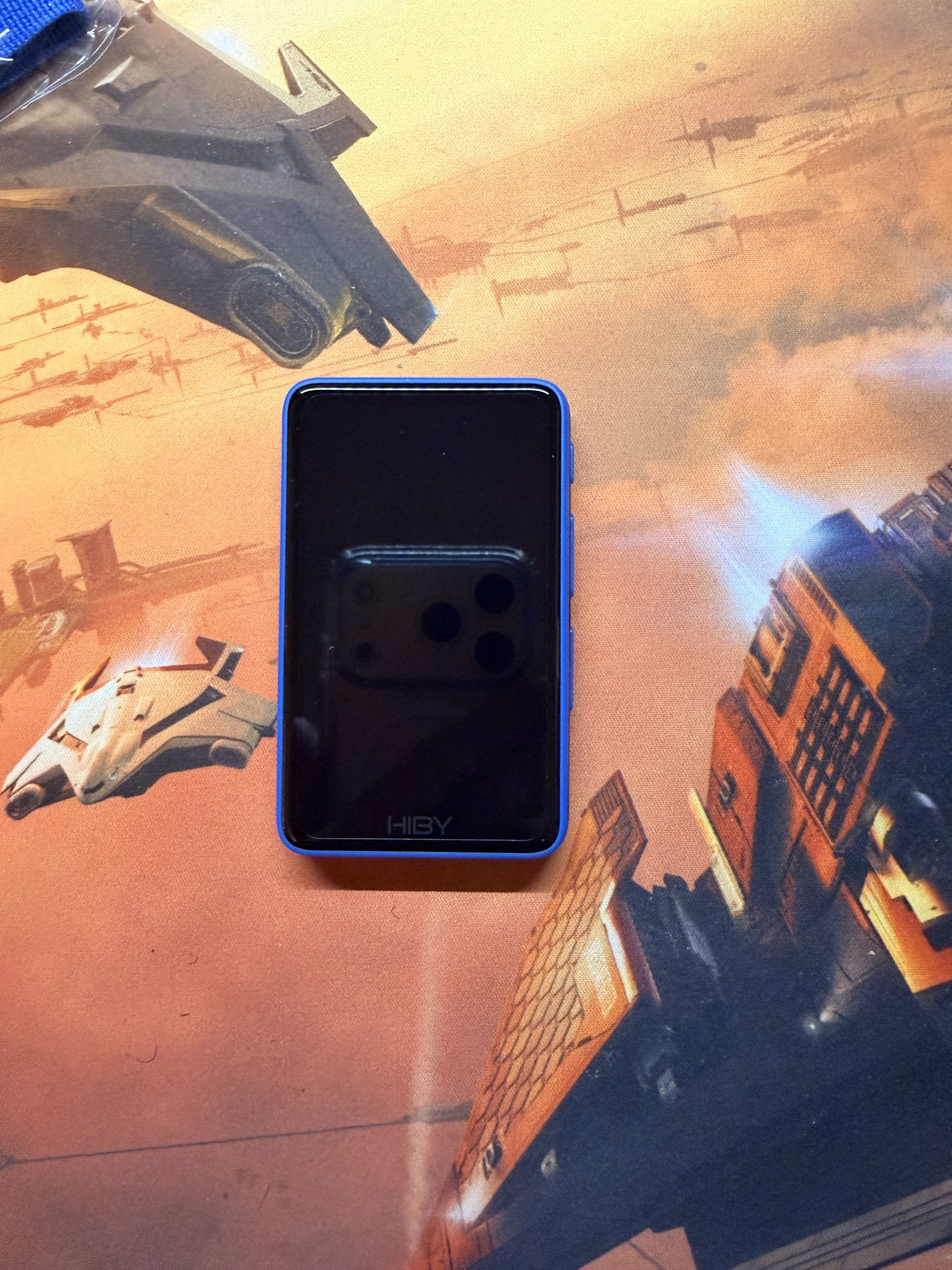
The device itself is pretty small, maybe about 3/4 the size of a pack of cards and just about as thick. The whole device is plastic, so having the protective overlay is like rolling cardboard in bubble wrap but it will hopefully keep the screen from collecting scratches. The right side holds the three button banks: a single power button, volume rocker, and one rocker button that does double-duty for moving to the next track and play/pause. One criticism I’ve seen a lot of online is that there’s no previous track button, and I consider this valid, but this isn’t the first device/player that I’ve seen promoting the “never retreat” philosophy. The left side has the trench for installing the lanyard, but it’s not self-contained: threading the small cable beneath the bridge doesn’t just ramp up towards the other hole. Instead, it will snake under the casing unless it’s dragged out using the SIM card ejection tool that is included in the package. Does the lanyard need to be there? Absolutely not. I installed mine, though, and I’ll be damned if I’m going to let all that work go to waste. The bottom of the device offers the 3.5″ jack, a USB C port, and the MicroSD port. It’s important to note that this device does not have any internal storage, so buying or having an SD card to use after unboxing is essential. The R1 can accept capacities up to 2TB, which is insane considering this thing was only $70USD.
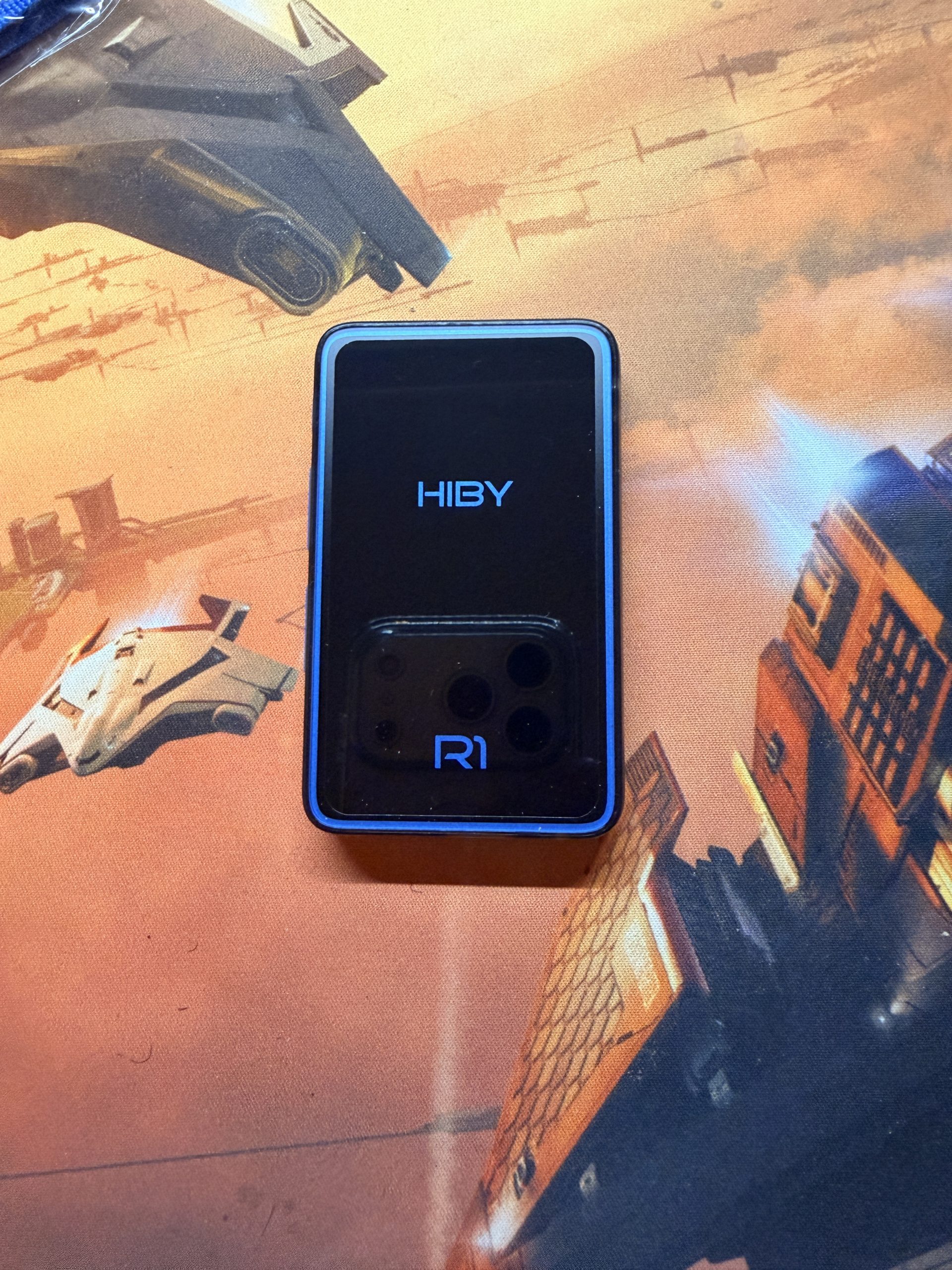
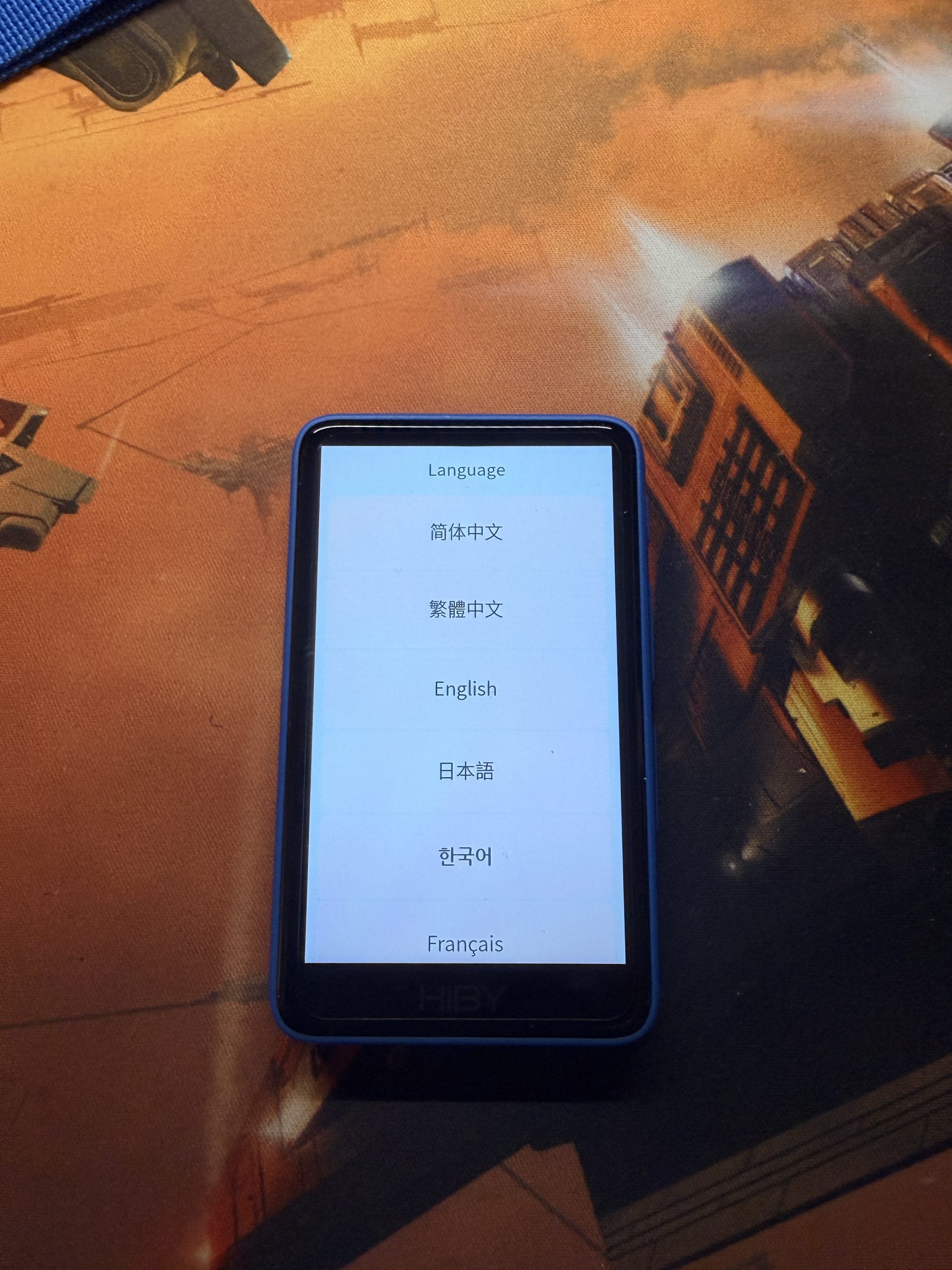
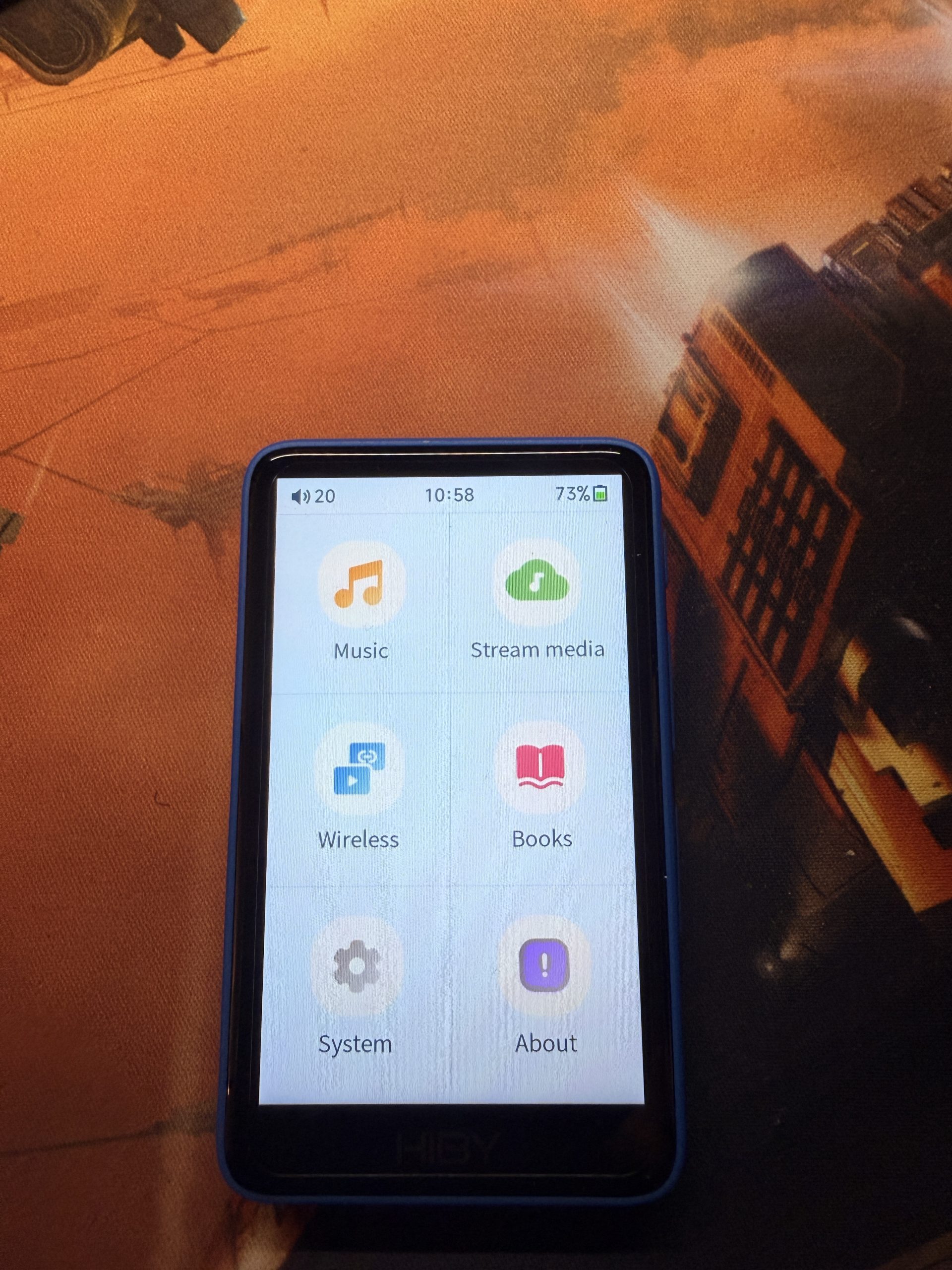
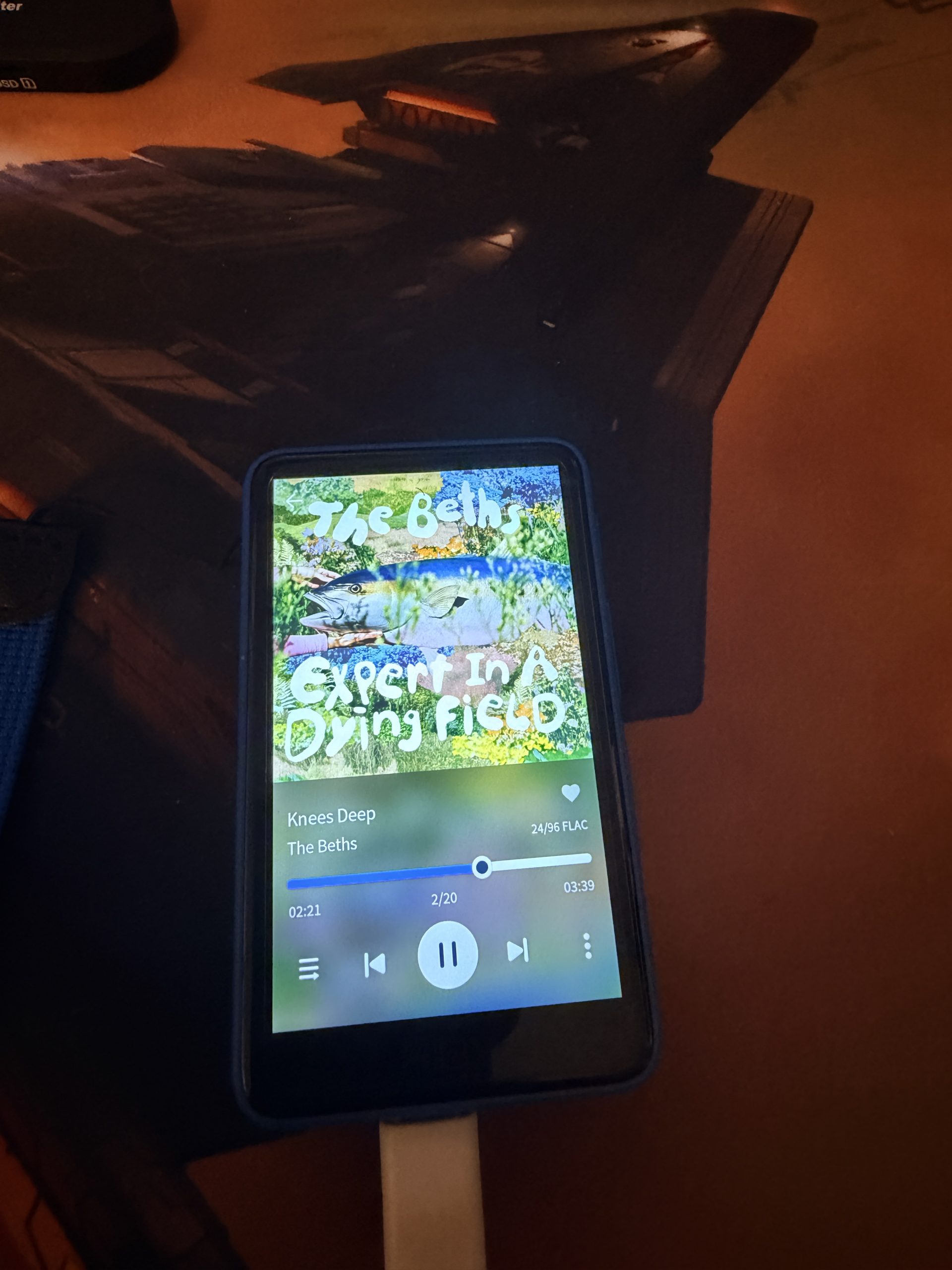
My choice had been a toss-up between the R1 and the Snowsky Echo, but the HiBy products seemed to be better rated by talking heads online in part because of the better performance of the device when trying to get to music. The R1 is pretty performant. The touch-screen seems responsive enough, menus scroll at an appropriate and not out-of-control pace with a perfectly acceptable amount of lag, and cold boot time is only about 4 seconds. That being said, there’s no sexy UI here. It’s all serviceable icons and lists; in fact, looking at a track list reminded me of the ill-fated Windows Phone UI which also used lists, but don’t let that spectre dissuade you from experiencing the R1.
This would be where I’d talk about the real reason anyone would buy one of these: the audio playback. To be honest, I kind of hobbled myself here by not also buying decently reviewed “IEMs” or “in ear monitors” as we’re calling all non-AirPod in-ear audio devices now. I did connect my AirPods, though, and the sound was very good, but that admission apparently requires some unpacking.
The R1, like many modern DAPs, can play lossless audio files. A standard MP3 file was originally designed to not just sound good, but also to leave a small footprint. When space isn’t a concern, larger format files like FLAC can pack in more audio data; the downside is that it’s not simply a case of up-rezing a 320 kbps MP3 to get better audio, so a file needs to arrive in a fully-formed lossless format. We can rip a CD into a lossless format, at which point a digital file should sound as good as the original CD version. However, studios can release lossless albums at higher fidelity than we’d get from a simple CD rip. As mentioned in my previous post, the R1 comes pre-installed with support for Tidal and Qobuz streaming services. I checked out Qobuz and liked what I saw; they offer 24-bit lossless files for both streaming and download (though I don’t know if the inherent compression involved in streaming means I’m getting true lossless audio). I guess the bottom line here is that in order to use the R1 to its maximum potential, I need to work with local, lossless files.
Of course, can I even tell the difference? I’m 52 and my hearing isn’t what it used to be, of course, so the answer is probably going to be a resounding “no”, but my hope is that there’ll be shades of improvement between compressed and uncompressed audio. Problem is, I can’t tell right now because the Bluetooth connection between the R1 and my AirPods implements some form of compression whether I like it or not in the name of transmission efficiency. The real way to get the most out of the R1 is to pair it with a decent, wired IEM set which I am currently lacking. So that’s the bottom line: I can’t speak for the overall quality of the audio in part because I’m not an audio wonk, and because I don’t have the right gear to do so. I guess if there’s a primary con about the R1, it’s that one should probably factor in the cost and implementation of the “right gear” for it to make good on the promise of better portable audio.
Still, there are other benefits, such as not being constantly distracted by the device or annoyed by pings and announcements when in the groove. The R1 is small and very portable. It’s plastic, though, which means it’s light but potentitally fragile if dropped, kicked, or smashed. One con that I have been struggling with recently is the device’s poor tools for playlist management. While individual files can be added to on-device playlists, creating large playlists comprised of dozens of songs from different albums and artists makes for an infuriating process. Instead, I’ve found a way to create M3U files through VLC, which can be saved directly to the device. This approach is annoying in and of itself, but it’s still quicker than having to track down and tap each track into a playlist on the device. Oh, and for that real old-school feel, there’s no QWERTY keyboard when doing things like creating playlists; it uses the old T9 text input. Yay!
With the weekend coming up, I’m hoping to be able to take some time to just sit around and roll through a few albums. With the summer approaching, I’ll be outside, mowing the damn lawn, accompanied by the R1. I have a few IEMs on my wishlist and am waiting for the next available ordering window to pull the trigger on a set. I am curious to see if I can integrate the R1 into my routines, and on the flip-side, if having my music in this form-factor will increase the amount of music I listen to. I realize that my falling away from listening isn’t due to the music itself, and isn’t necessarily tied to the circumstance, but having another avenue to test with, especially at this relatively low price point in 2026, seems like a valuable way to go about it.